






















Portable Monitor 13″
Portable Monitor for remote work and travel
While stocks last: this price ends when the stock is gone.
 Protective sleeve 13″Choose the version with free sleeve
Free


Trusted by our partners











Ultra-portable
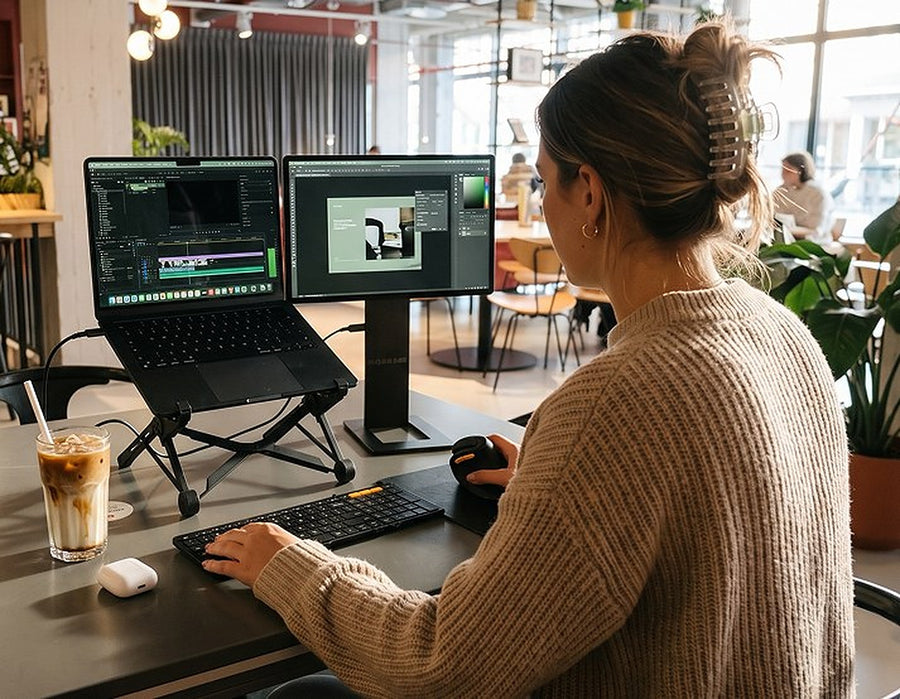
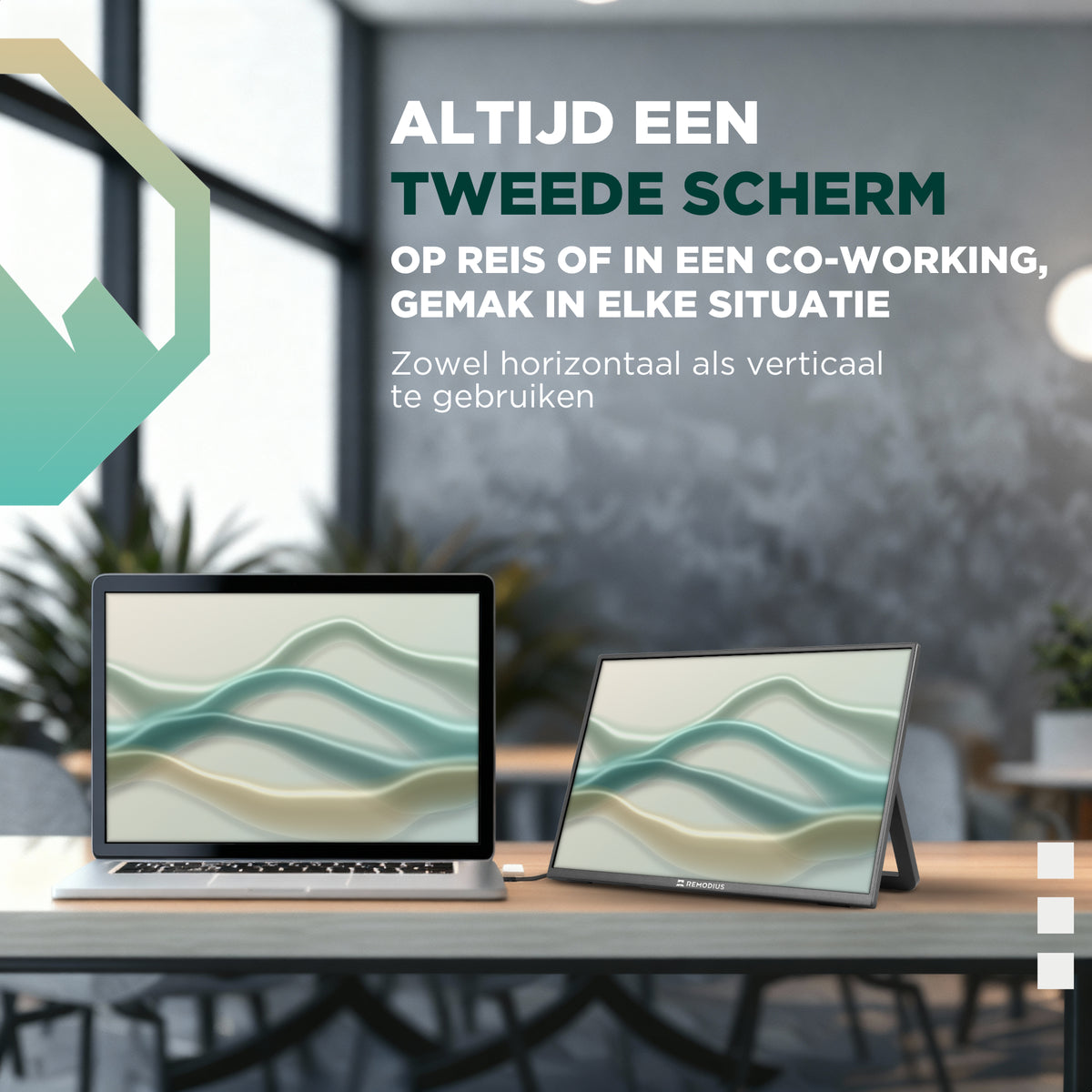
From your home desk to coworking abroad: turn your laptop into a productive workspace, anywhere.
Your ambition is limitless. Your workspace should be too.

Everything about your second screen.
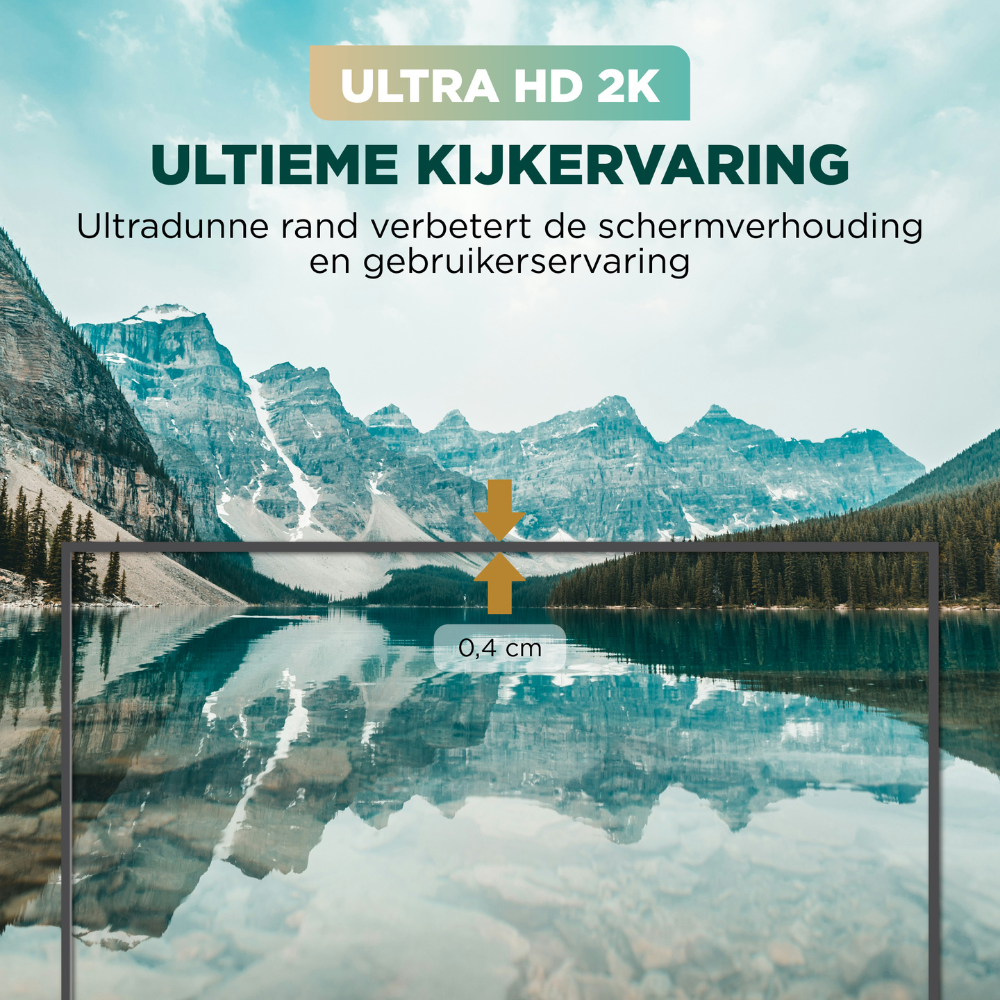
- ✓2K IPS - sharp, bright and color-accurate
- ✓Up to 42% more productive with a second screen
- ✓Plug-and-play via USB-C or HDMI - no software
- ✓Works with MacBook, Windows, phone & console
- ✓Ultra-thin & lightweight - fits in any bag
- ✓2-year warranty · service from the Netherlands
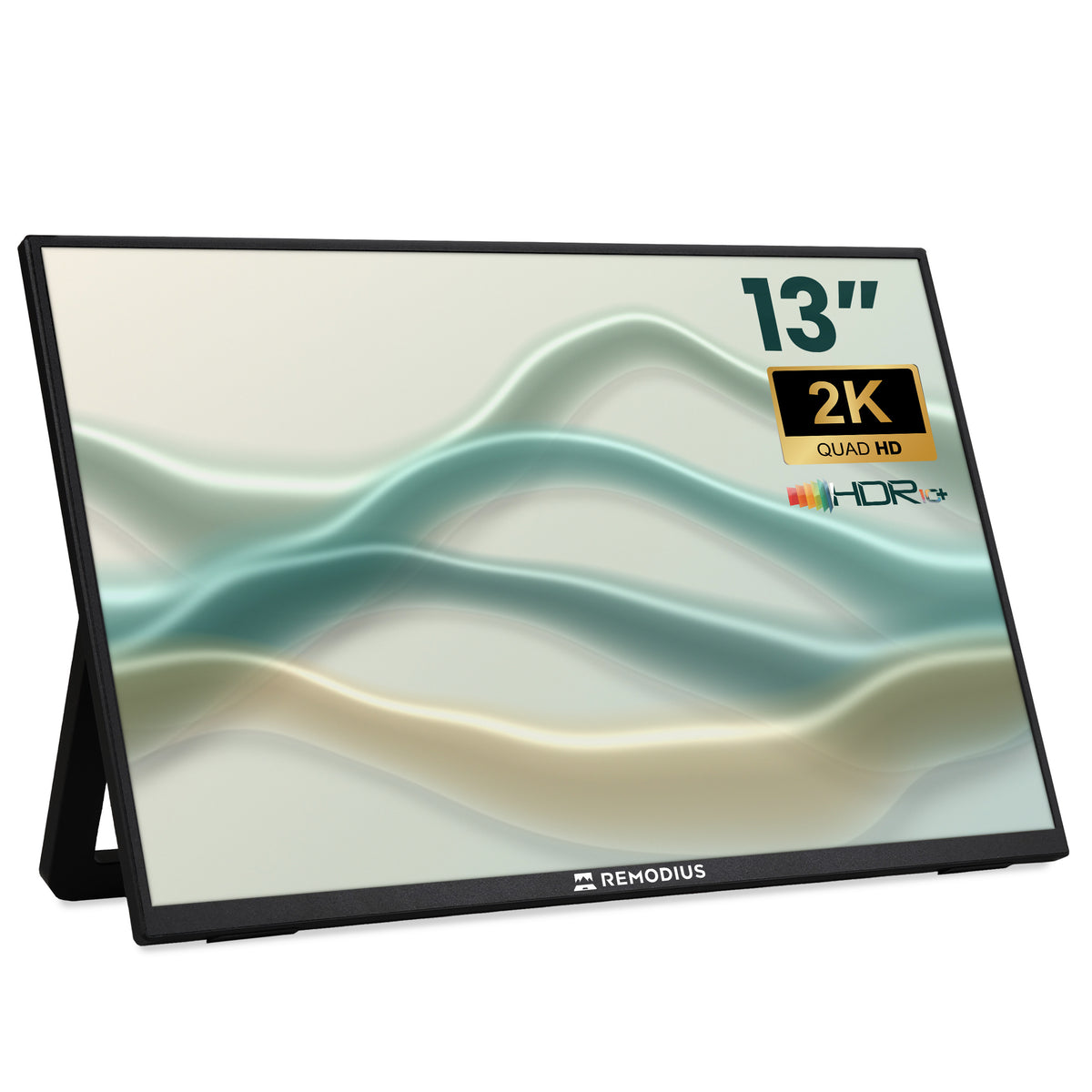
Stay productive wherever you are with the Remodius® 13-inch Portable Monitor. This portable display is designed for remote work, travel, and flexible working, offering a crystal-clear 2K resolution in an ultra-thin, lightweight design. With simple plug-and-play connectivity, connect the monitor directly to your laptop or tablet without any additional software. Ideal for digital nomads, remote workers, and professionals who want to work, present, or relax efficiently — anywhere.
| Screen | 13 inch IPS |
| Resolution | 2K |
| Connections | USB-C (display + power) · HDMI |
| Compatible | MacBook · Windows · smartphones · gaming consoles |
| Installation | Plug-and-play - no software or drivers |
| Warranty | 2 years + 30 days reflection period |
- Ordered before 23:00Delivered tomorrow
- Free shippingFrom our warehouse in the Netherlands 🇳🇱
- 30-day reflection periodFree returns, money back without hassle
- 2-year warrantyService from the Netherlands
Works with:

Portable Monitor
Your second screen. Anywhere.
13 inch. 2K. One USB-C cable.13 inch. 2K. One USB-C cable.
Connecting
One cable. Two screens.
USB-C for image and power. No software, no drivers.USB-C for image and power. No software, no drivers.
Connecting
This is where the cable goes.
USB-C at the back, in the recess behind the kickstand.USB-C at the back, in the recess behind the kickstand.
Productivity
Up to 42% extra productivity.
With a second screen you work up to 42% more productively than with one.With a second screen you work up to 42% more productively than with one.
Source: research by Jon Peddie Research.
Design
Thin. Light.
The most compact size. Fits any laptop bag.The most compact size. Fits any laptop bag.
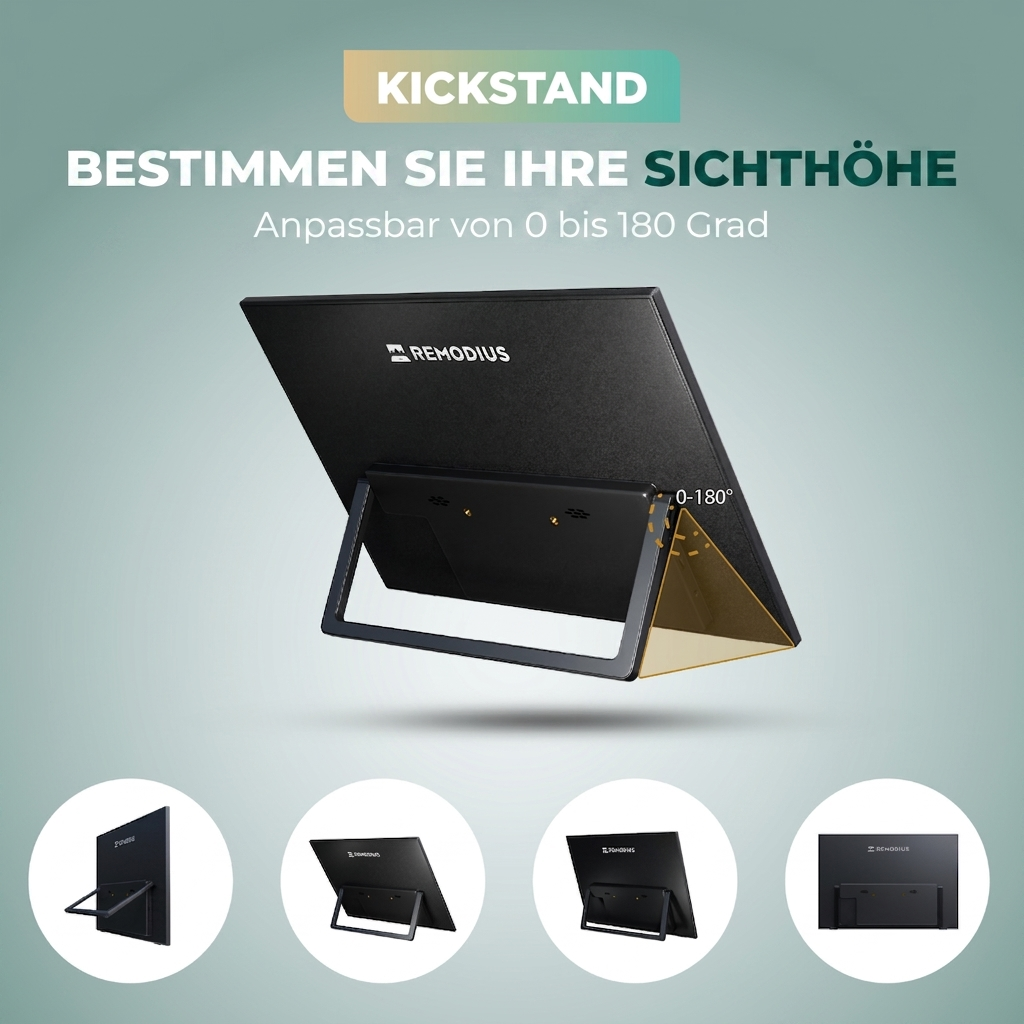
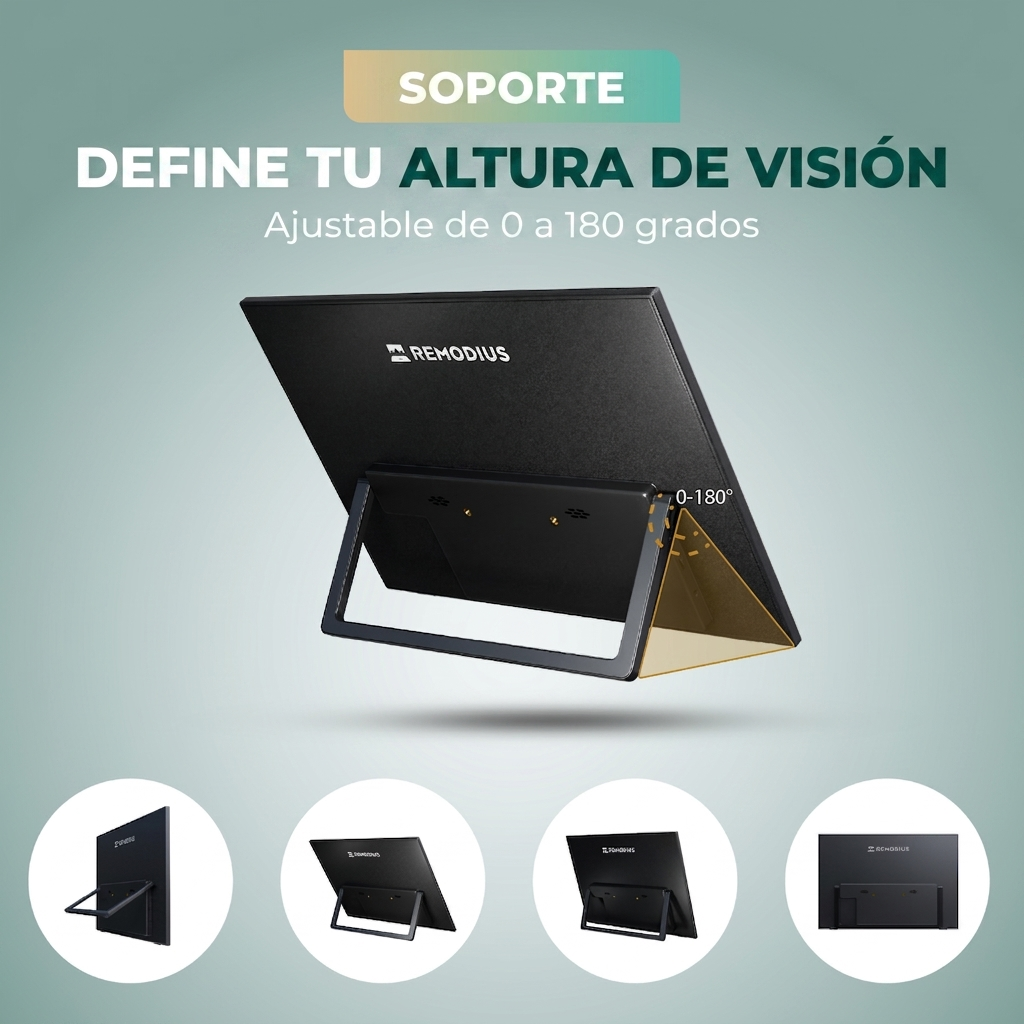
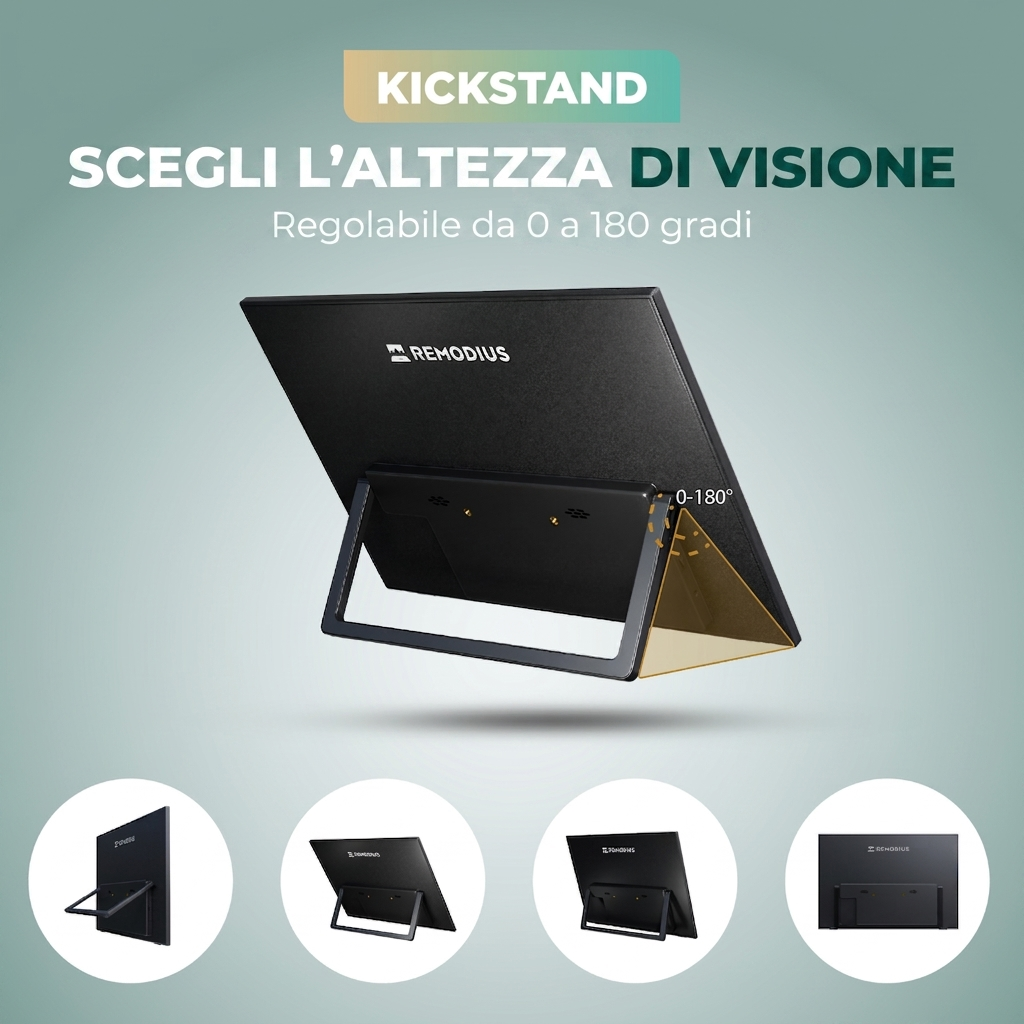
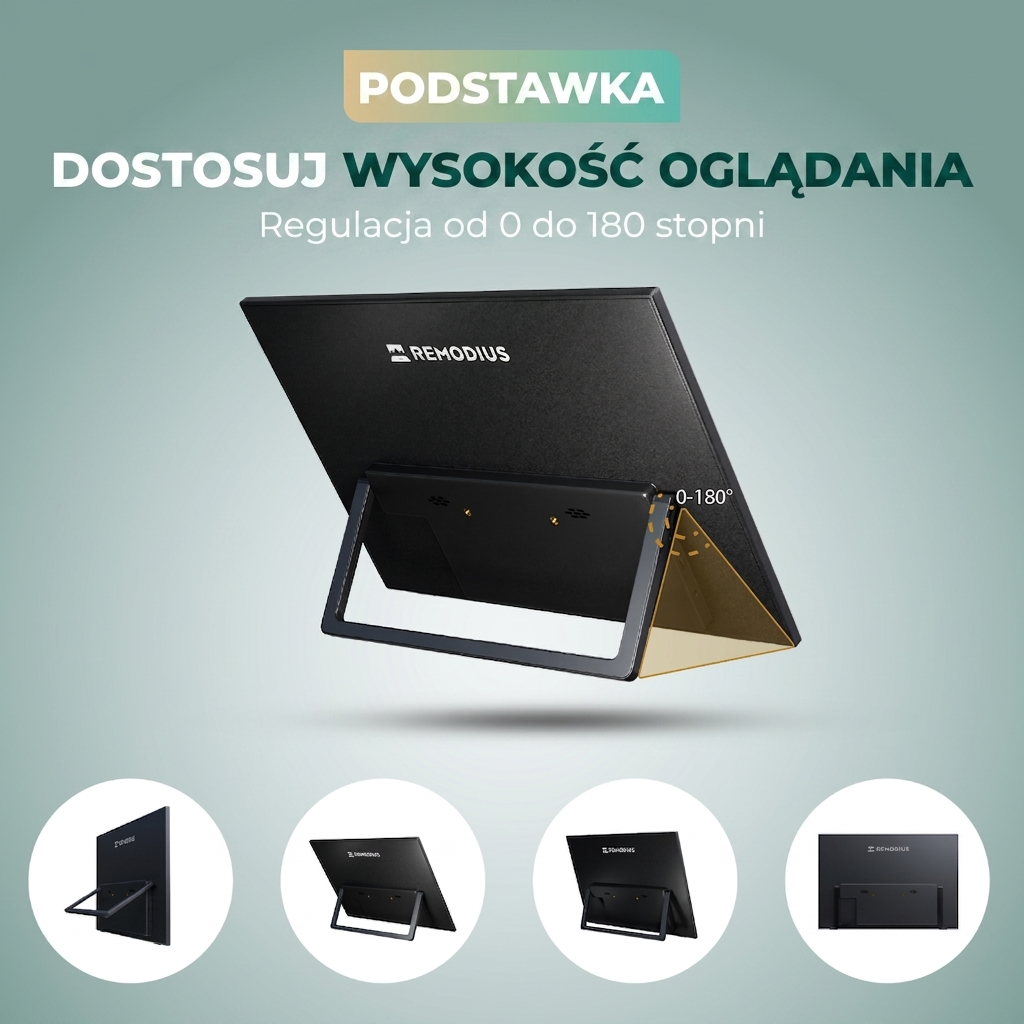
Kickstand
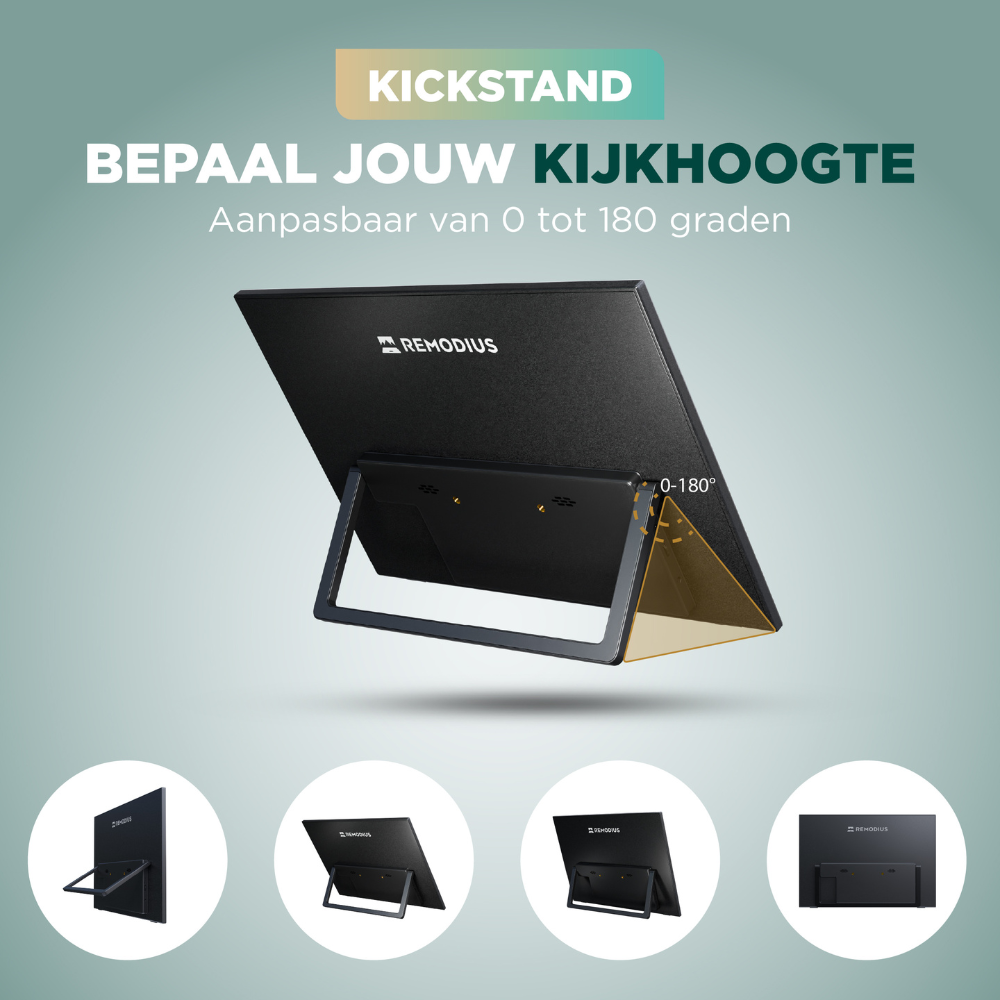
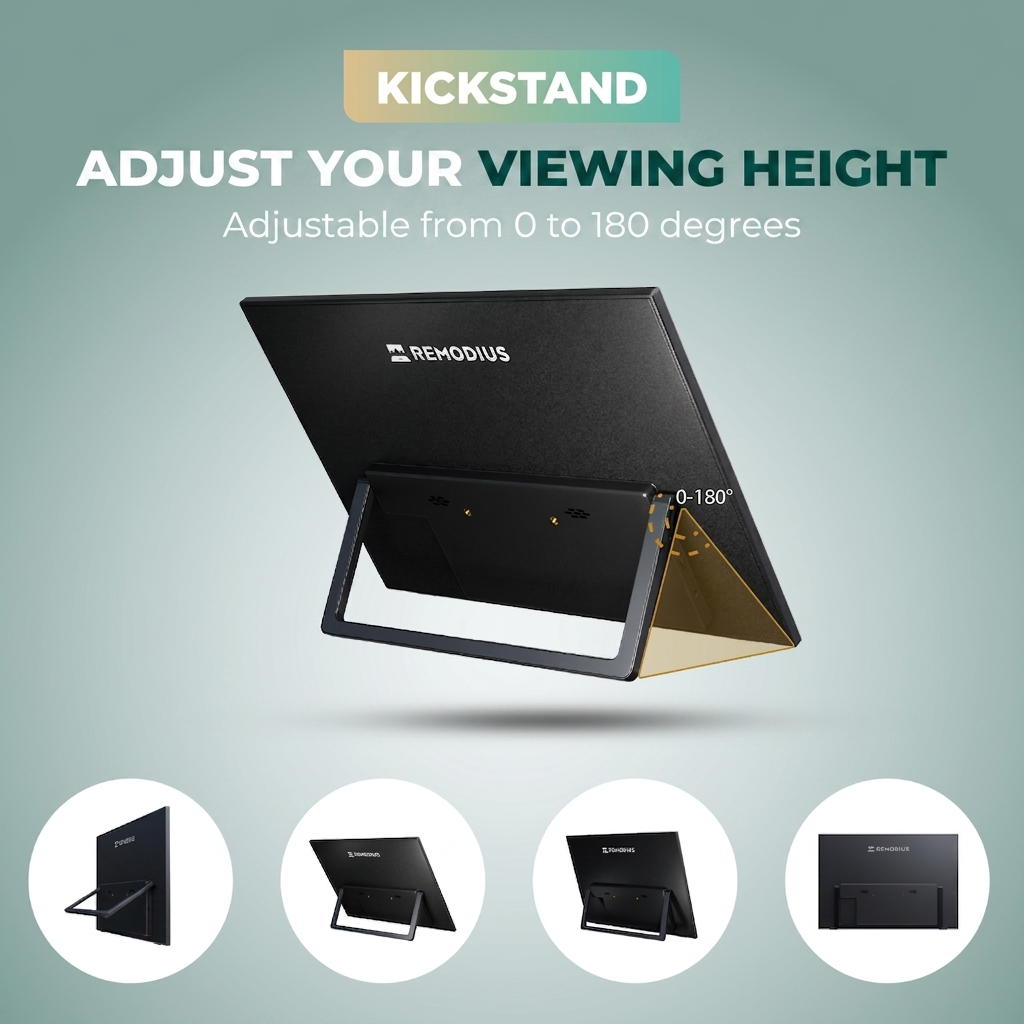
Your viewing height.
Adjustable from 0 to 180 degrees.Adjustable from 0 to 180 degrees.
Ports
Everything at the back.
2x USB-C and mini-HDMI, next to the kickstand.2x USB-C and mini-HDMI, next to the kickstand.
Control wheel
One wheel. Everything handled.
- DownBrightness
- UpVolume
- PressMenu
Brightness
Soft or bright.
Turn the wheel down: from soft in the dark to 450 nits in daylight.Turn the wheel down: from soft in the dark to 450 nits in daylight.
Menu
Four settings.
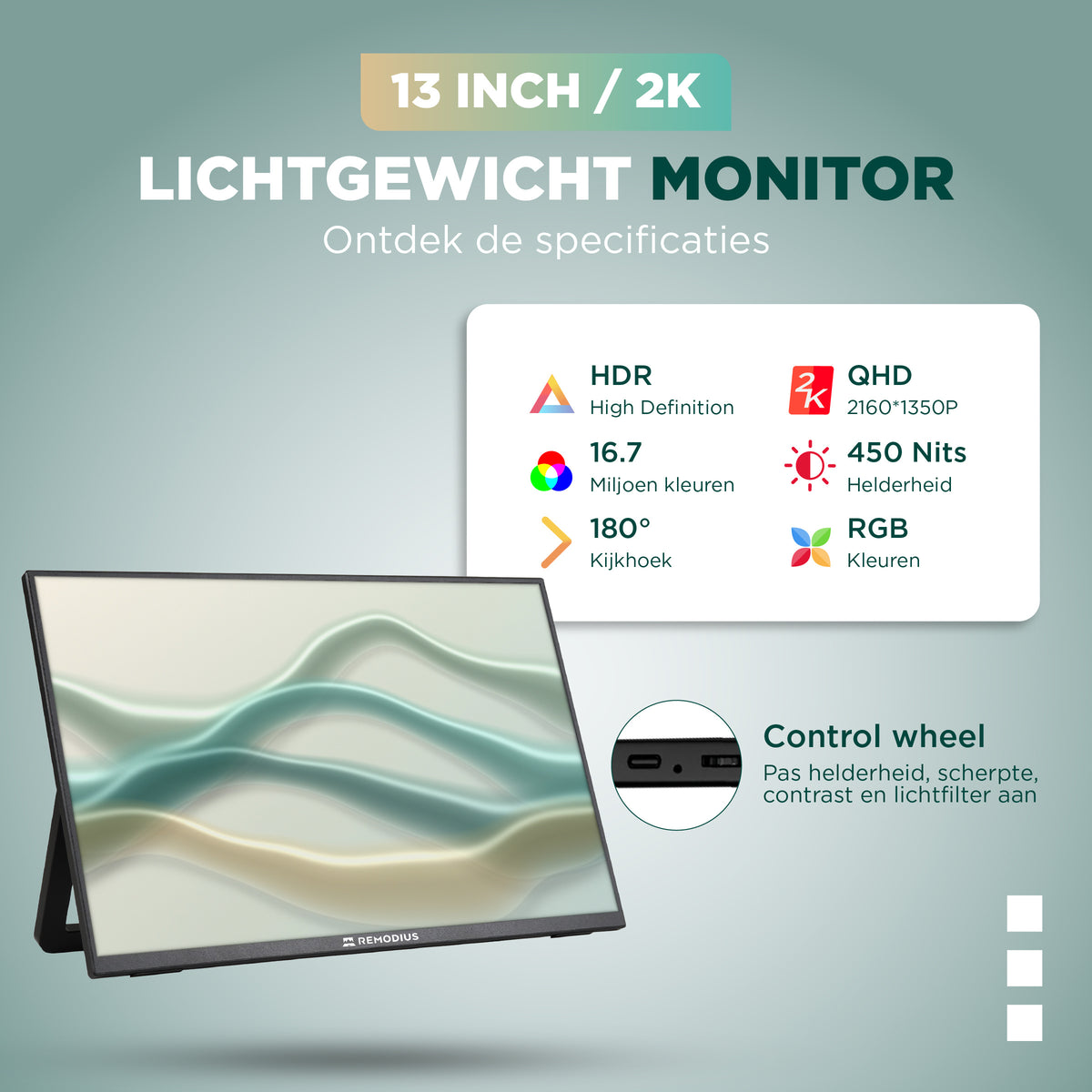
Brightness, contrast, sharpness and light filter.Brightness, contrast, sharpness and light filter.
Light filter
Less blue light.
Turn on the light filter: the image gets warmer, easier on your eyes in the evening.Turn on the light filter: the image gets warmer, easier on your eyes in the evening.
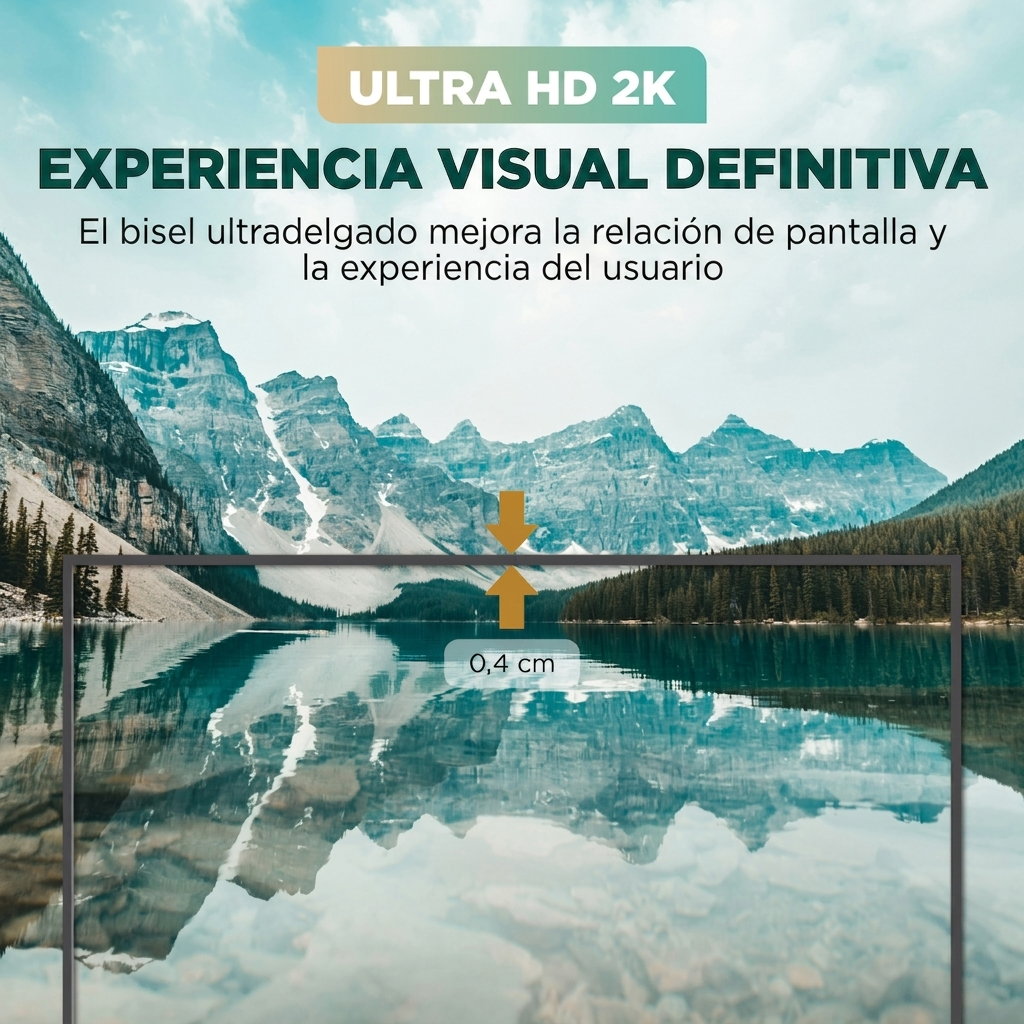
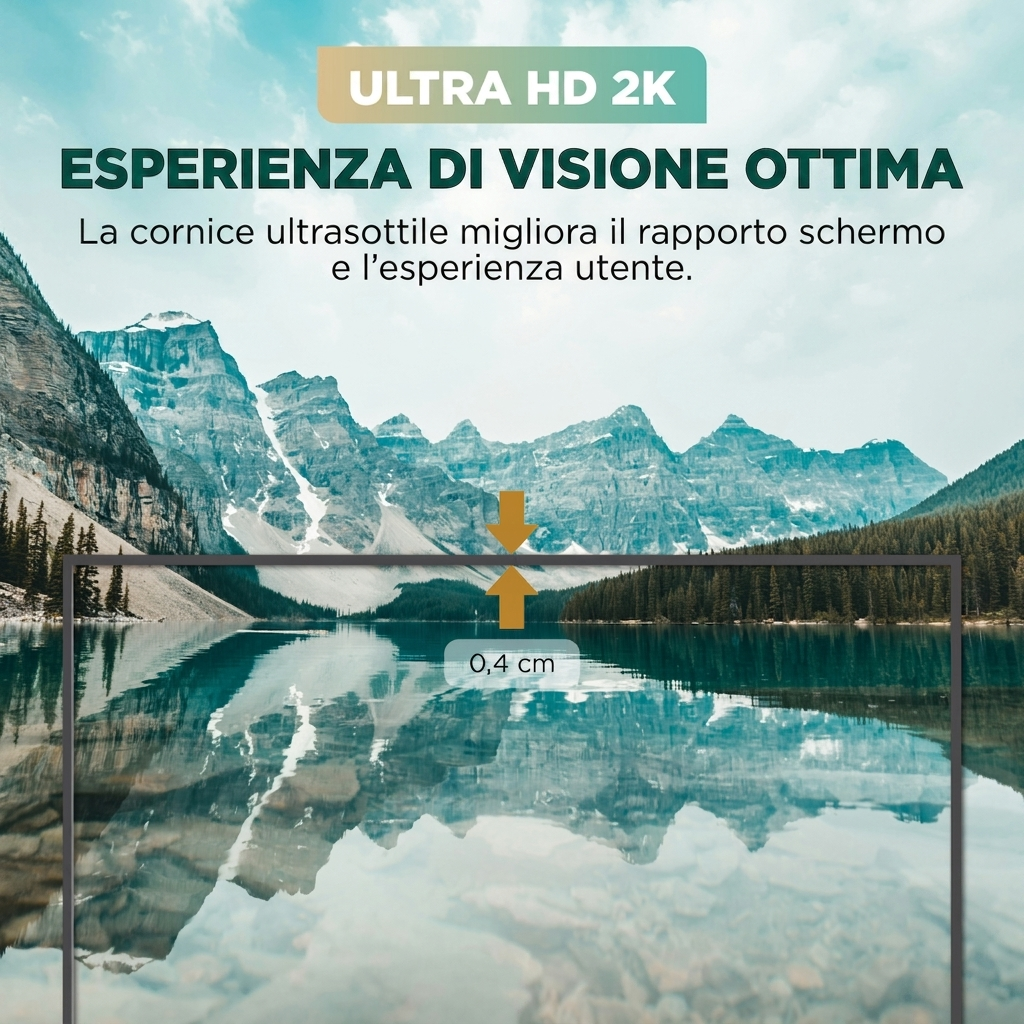
Display
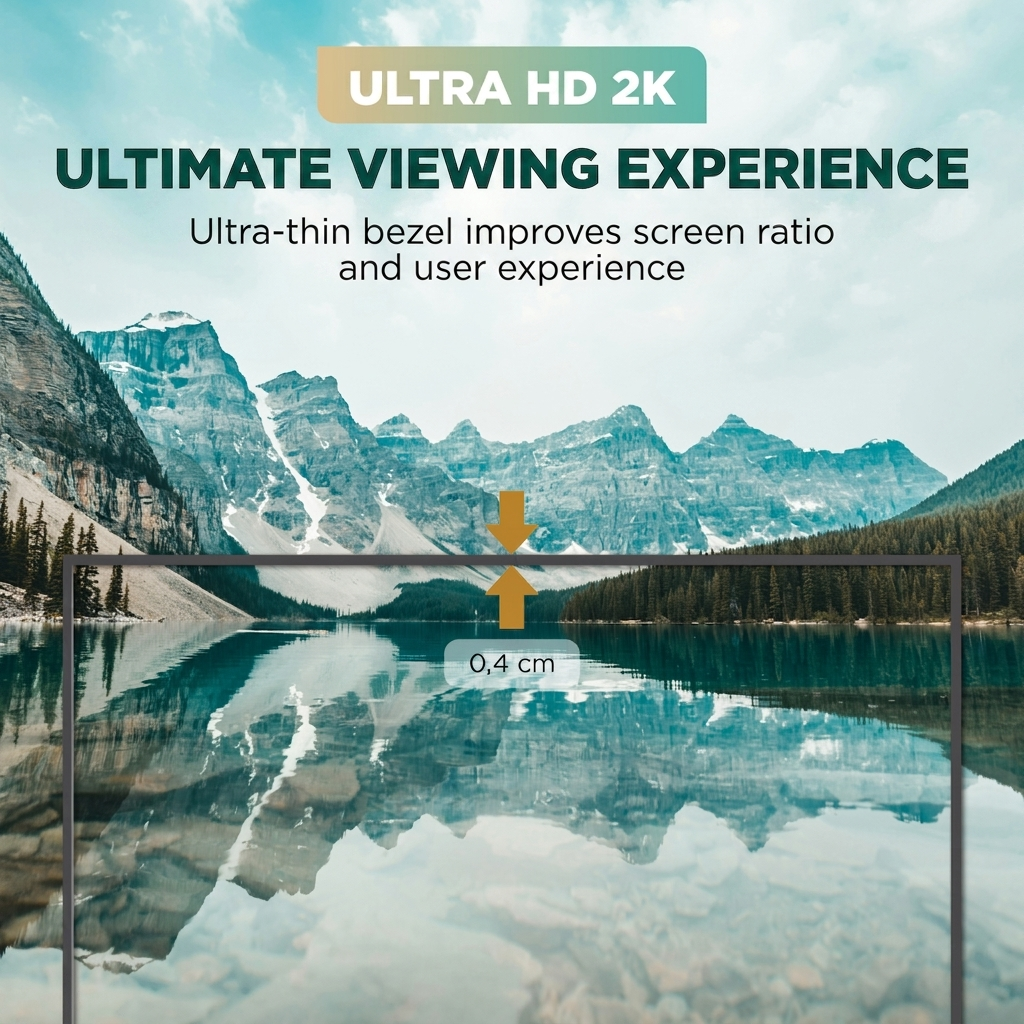
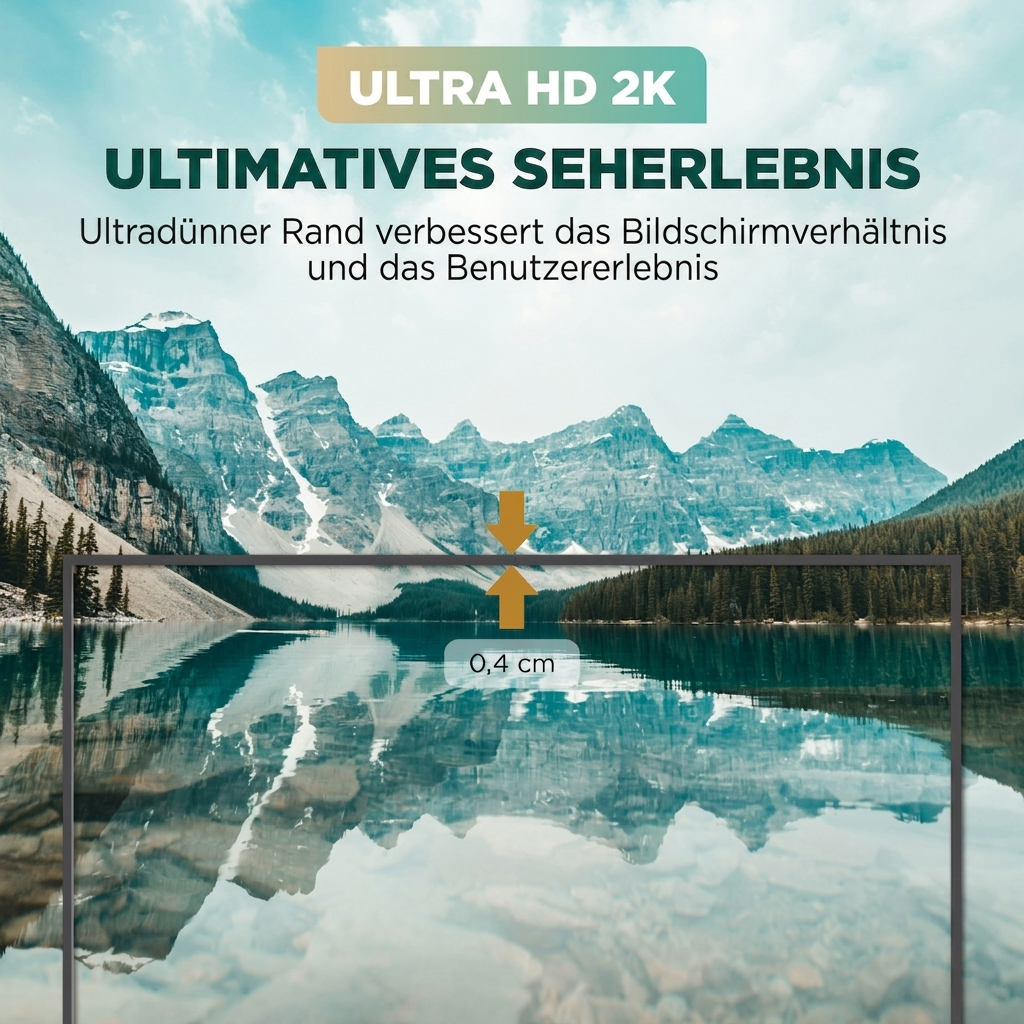
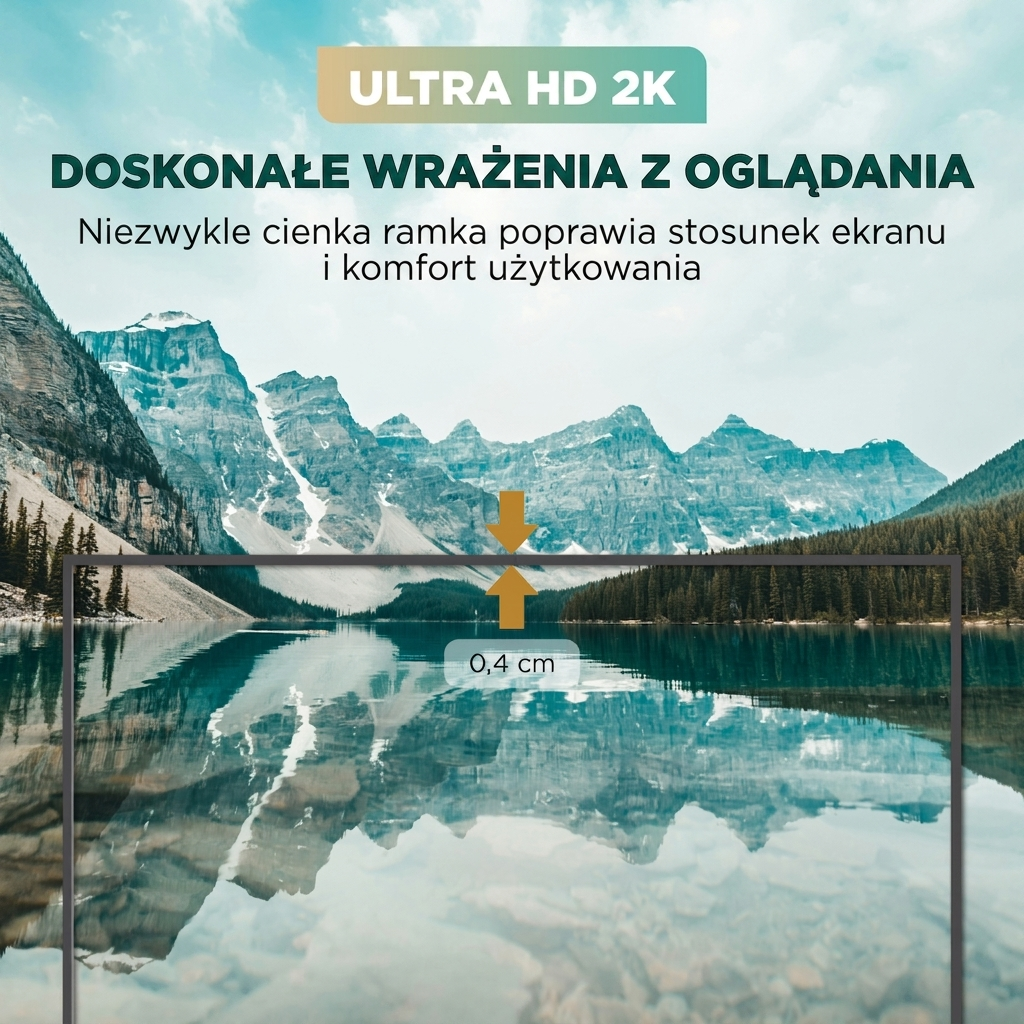
2K. Razor sharp.
- Resolution2160 x 1350
- Brightness450 nits
- ImageHDR, IPS, 180° viewing angle
Design
Landscape. Or portrait.
For code, documents and long pages.For code, documents and long pages.
Rotation is set in your laptop's display settings.
Compatibility
Works with everything you carry.
Via USB-C or mini-HDMI. Your phone too.Via USB-C or mini-HDMI. Your phone too.
Portable Monitor
Test it for 30 days.
Don't like it? Return it for free.Don't like it? Return it for free.
- Warranty2 years
- Return period30 days
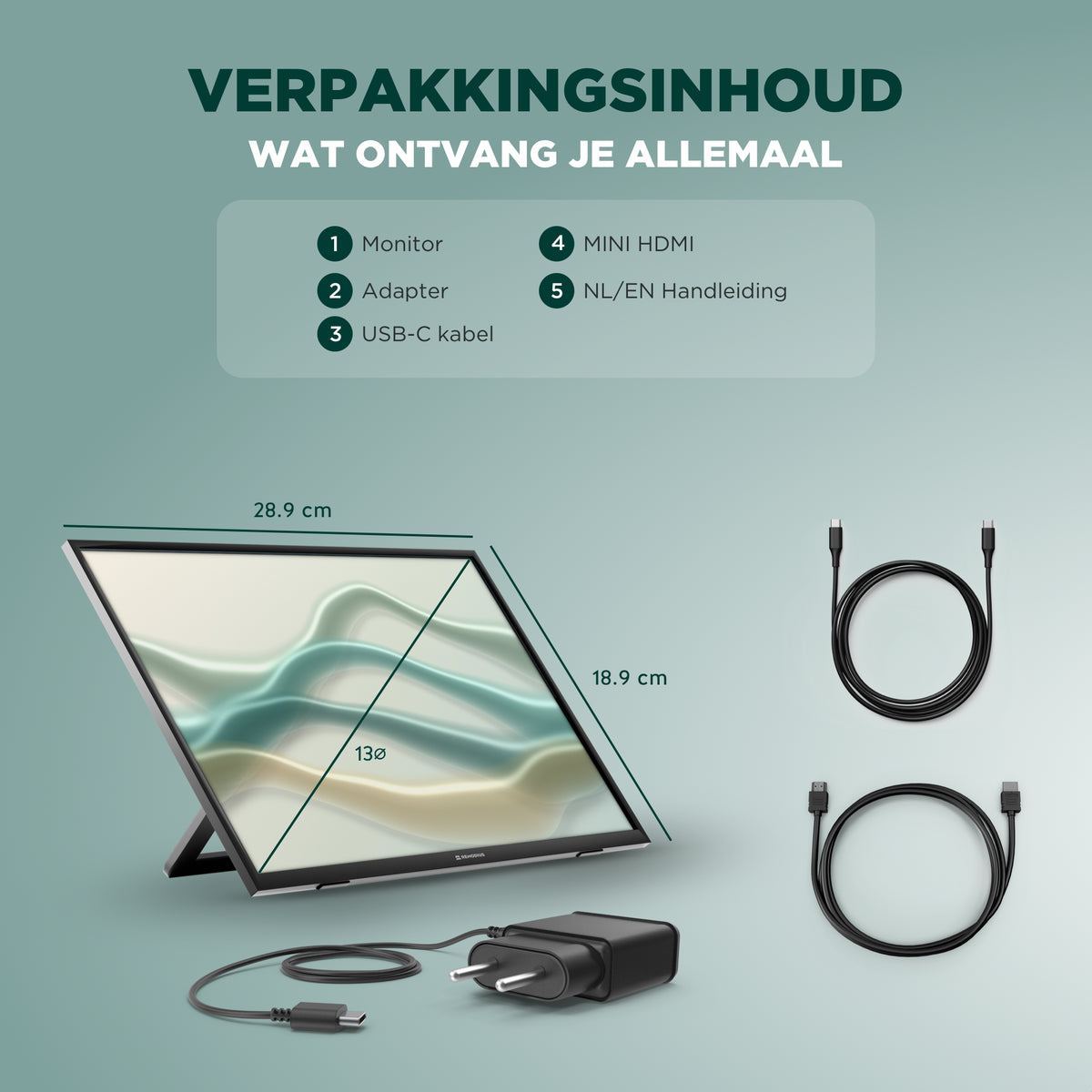
- In the boxMonitor, adapter, USB-C, mini-HDMI
Frequently asked questions
Does the monitor work with my MacBook or Windows laptop?
Yes. One USB-C cable gives the monitor both video and power from your laptop. No software or drivers needed, plug in and start working.
Does the monitor need its own battery?
No. The monitor is powered over USB-C by your laptop. If you use HDMI, for example with a game console, you connect the included adapter.
What is in the box?
Monitor, adapter, USB-C cable, mini HDMI cable, manual (NL/EN) and the protective sleeve. Everything you need to start right away.
Does it also work with my phone or game console?
Yes. Samsung DeX, Nintendo Switch, PlayStation and Xbox work via USB-C or HDMI.
What is the difference between the 13" and 16"?
The 13-inch (2K) is the most compact for travel. The 16-inch (2.5K) gives you as much workspace as your laptop screen, the choice of most customers.
What if it is not for me after all?
A 30-day trial, free returns from the Netherlands and your money back without hassle. Plus a 2-year warranty with service from the Netherlands.
Can’t find your question? Ask it here
Free shipping and returnsGUARANTEED
Test the monitor for 30 days next to your own laptop, at your own desk, in your own work week.
Not working for you? Free return label, money back, done. We can only offer this guarantee because almost nobody sends it back.
Shipping info
