


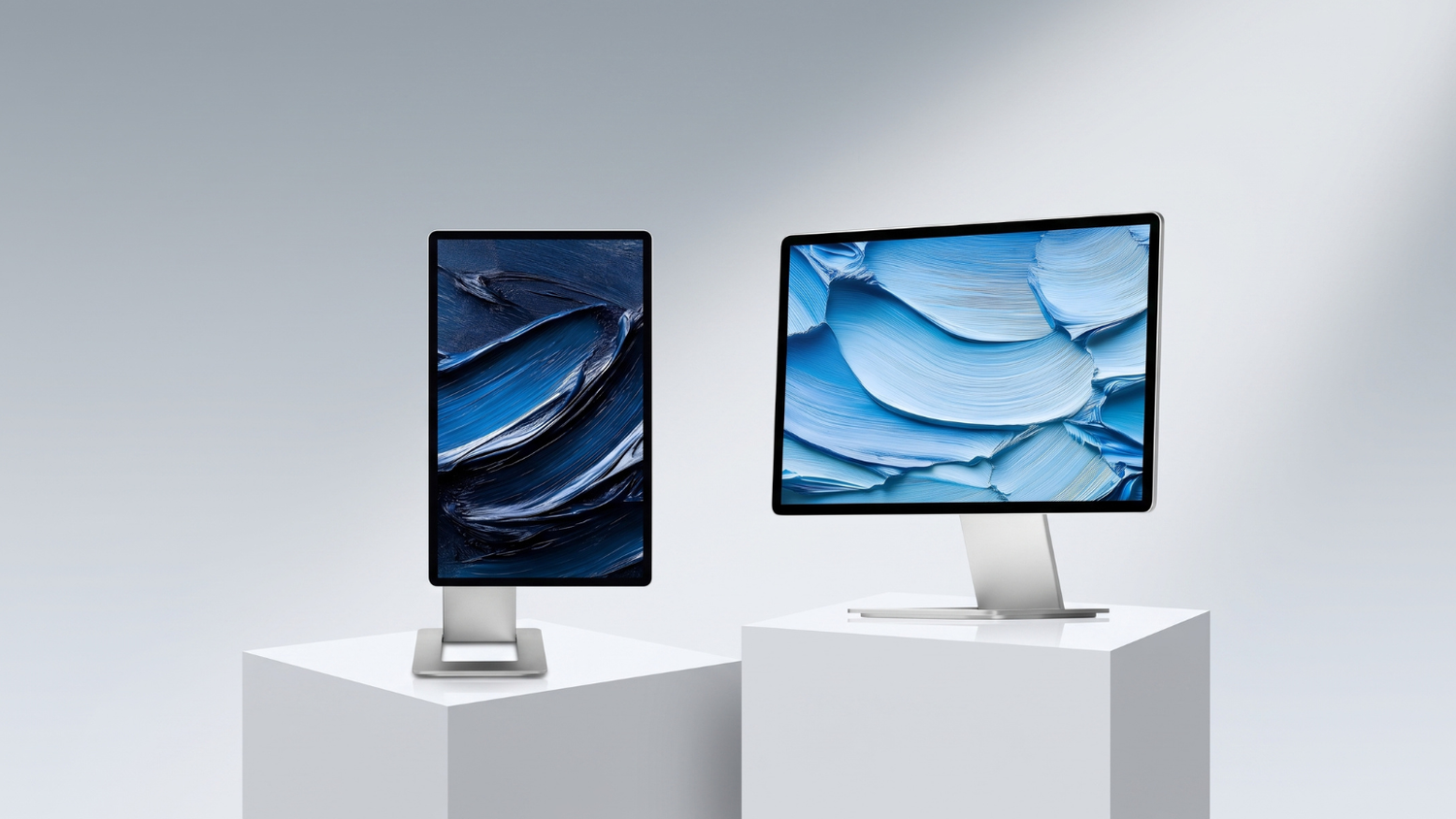
Torn between the SOTSU FlipAction Pro and the FlipAction Elite? Both are premium 16-inch portable monitors with the magnetic FlipAction design, but they're built for different types of users. In this article, we compare the two so you can quickly make the right choice.
SOTSU FlipAction at a glance
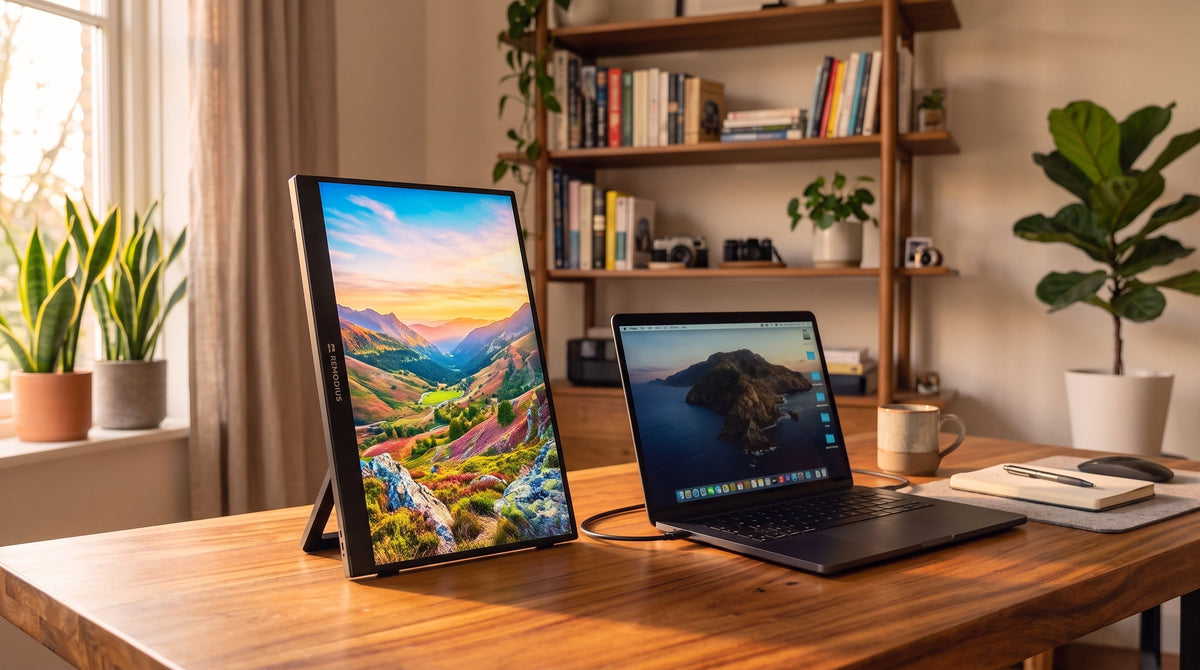
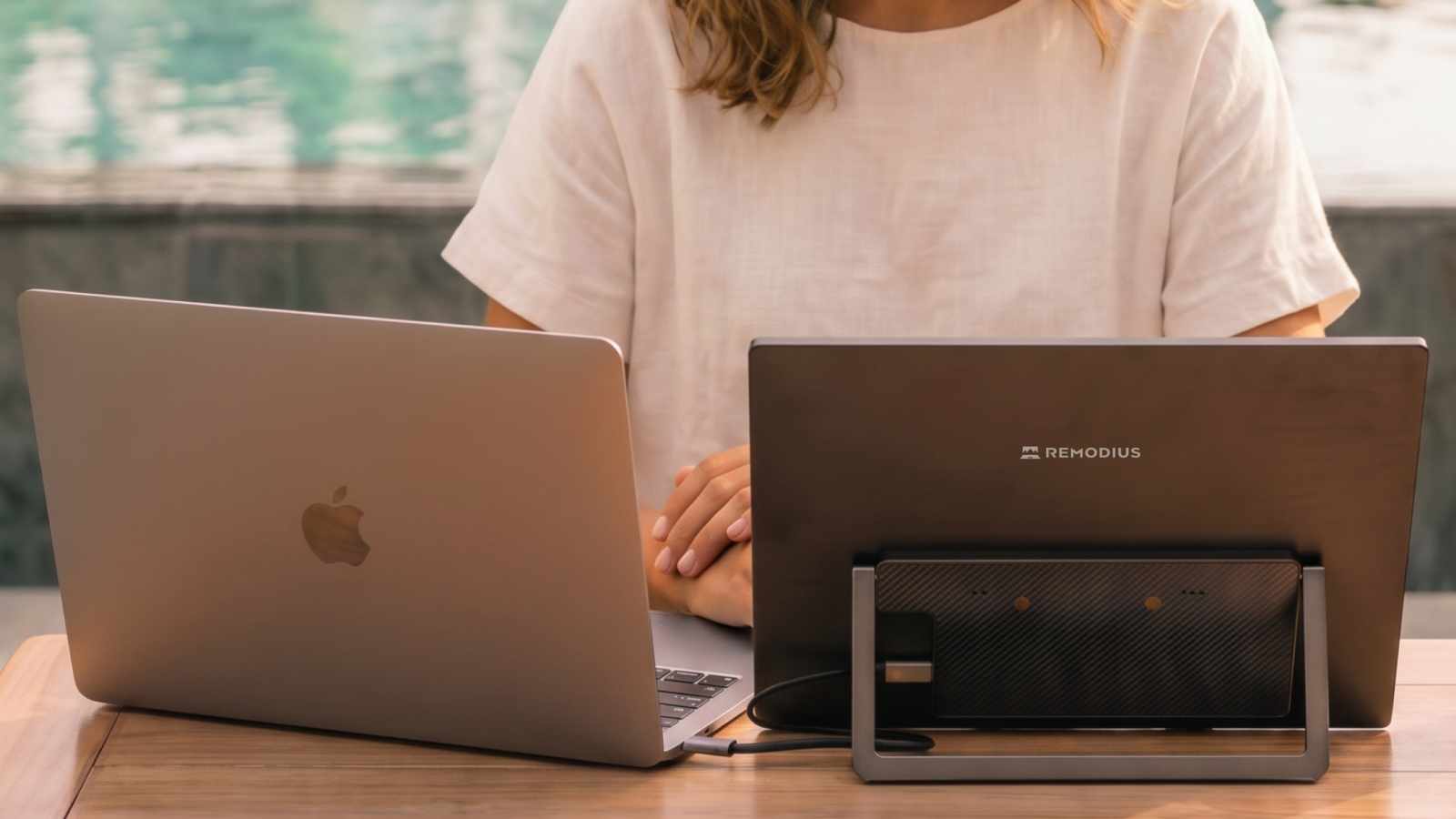
Both SOTSU monitors click magnetically onto the back of your laptop and unfold in seconds into a full second screen. They work plug-and-play through a single USB-C cable with 65W passthrough (so you can charge your laptop at the same time) and feature a premium aluminum housing. The main difference lies in the display.
FlipAction Pro vs Elite: the comparison
| Feature | FlipAction Pro 16″ Gen 2 | FlipAction Elite 16″ 4K |
|---|---|---|
| Resolution | 2.5K | 4K (UHD) |
| Refresh rate | 120Hz | 60Hz |
| Panel | IPS | IPS |
| Connectivity | USB-C (65W passthrough) + Mini-HDMI | USB-C (65W passthrough) + Mini-HDMI |
| Housing | Aluminum | Ultra-thin aluminum |
| Price | €549 | €699 |
| Best for | Smooth work and gaming | Maximum sharpness and color |
When should you choose the FlipAction Pro?
The SOTSU FlipAction Pro 16″ Gen 2 features a 120Hz display. That means smooth scrolling, fluid multitasking, and a great experience for gaming. At 2.5K, the image is sharp, and the price (€549) is lower than the Elite. Choose the Pro if speed and a competitive price matter most to you.
When should you choose the FlipAction Elite?
The SOTSU FlipAction Elite 16″ 4K is all about image quality: razor-sharp 4K for maximum detail and color accuracy, housed in an ultra-thin aluminum body. Ideal for design, photography, video, and anyone who simply wants the sharpest picture possible. Choose the Elite if detail and color are your top priorities.
Conclusion
Want smoothness and the best value for money? Go for the Pro. Want maximum sharpness and color? Choose the Elite. Check out both in the SOTSU collection and find your model.
Frequently asked questions
What's the difference between the FlipAction Pro and the Elite?
The Pro has a 2.5K display with 120Hz (smooth for work and gaming); the Elite has a 4K display for maximum sharpness and color. Both are 16 inches with USB-C, 65W passthrough, and the FlipAction design.
Is 120Hz or 4K better?
That depends on how you use it. 120Hz gives a smoother image (great for work and gaming), while 4K delivers more sharpness and detail (great for design and video).
Do both work with a MacBook?
Yes, both work plug-and-play via USB-C, no drivers needed.




Leave a comment
This site is protected by hCaptcha and the hCaptcha Privacy Policy and Terms of Service apply.