


If you regularly work on the go, in a coffee shop, at a flex desk, or simply from the couch, you know how limiting a single laptop screen can be. A portable monitor gives you a full second screen anywhere, without being tied to a desk. But the range of options is huge, and so are the differences in quality.
In this guide, you'll learn what to look for when choosing a portable monitor, which connections and specifications actually matter, and which model fits the way you work.
What exactly is a portable monitor?
A portable monitor is a thin, lightweight screen that connects to your laptop, phone, or game console via a single cable to give you a second display. Unlike a fixed monitor, it's built for travel: compact, often foldable, and powered through the USB-C port of the device you connect it to. You'll find our full range in the portable monitors collection.
Why a second screen makes such a difference
Working across two screens side by side means far less window-switching, which noticeably calms things down when you're researching alongside a document, on a video call next to your notes, or working a spreadsheet beside your inbox. If you travel a lot or work from different locations, a portable monitor means you no longer have to give up that comfort once you leave your regular desk. See what that looks like in practice in a second screen for your laptop on the go and a portable monitor for working from home.
What should you look for when choosing a portable monitor?
Connectivity: USB-C with passthrough
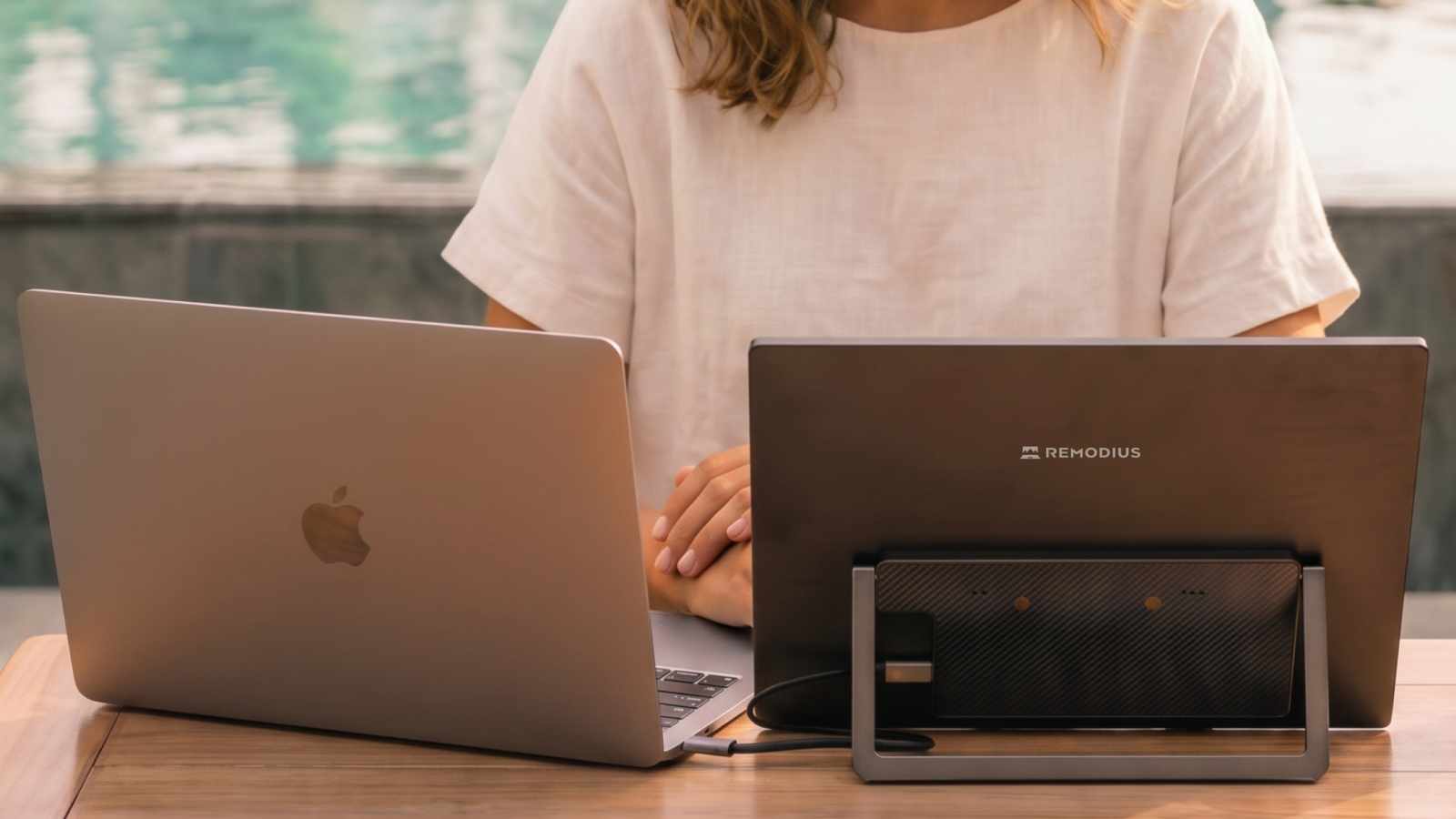
Most modern portable monitors connect via a single USB-C cable that carries both video and power. Check whether the screen also supports USB-C passthrough charging, so your laptop can charge at the same time it's driving the display. This is especially handy if you're working with a limited number of ports, as on most MacBooks.
Resolution and refresh rate
For text work and browsing, a resolution of 1080p is more than enough. If you work with image editing or want sharper detail, 2.5K or 4K is a noticeable step up. For gaming or video, a higher refresh rate (120Hz) matters more than resolution, since it gives you smoother motion. If you're torn between the two, SOTSU FlipAction Pro vs Elite: 4K or 120Hz? can help you decide.
Size and weight
13 to 16 inches is the typical range. A larger screen is more comfortable to use, but weighs more and takes up more space in your bag. If you often travel with only carry-on luggage, that's a real trade-off to consider.
Stand and mounting
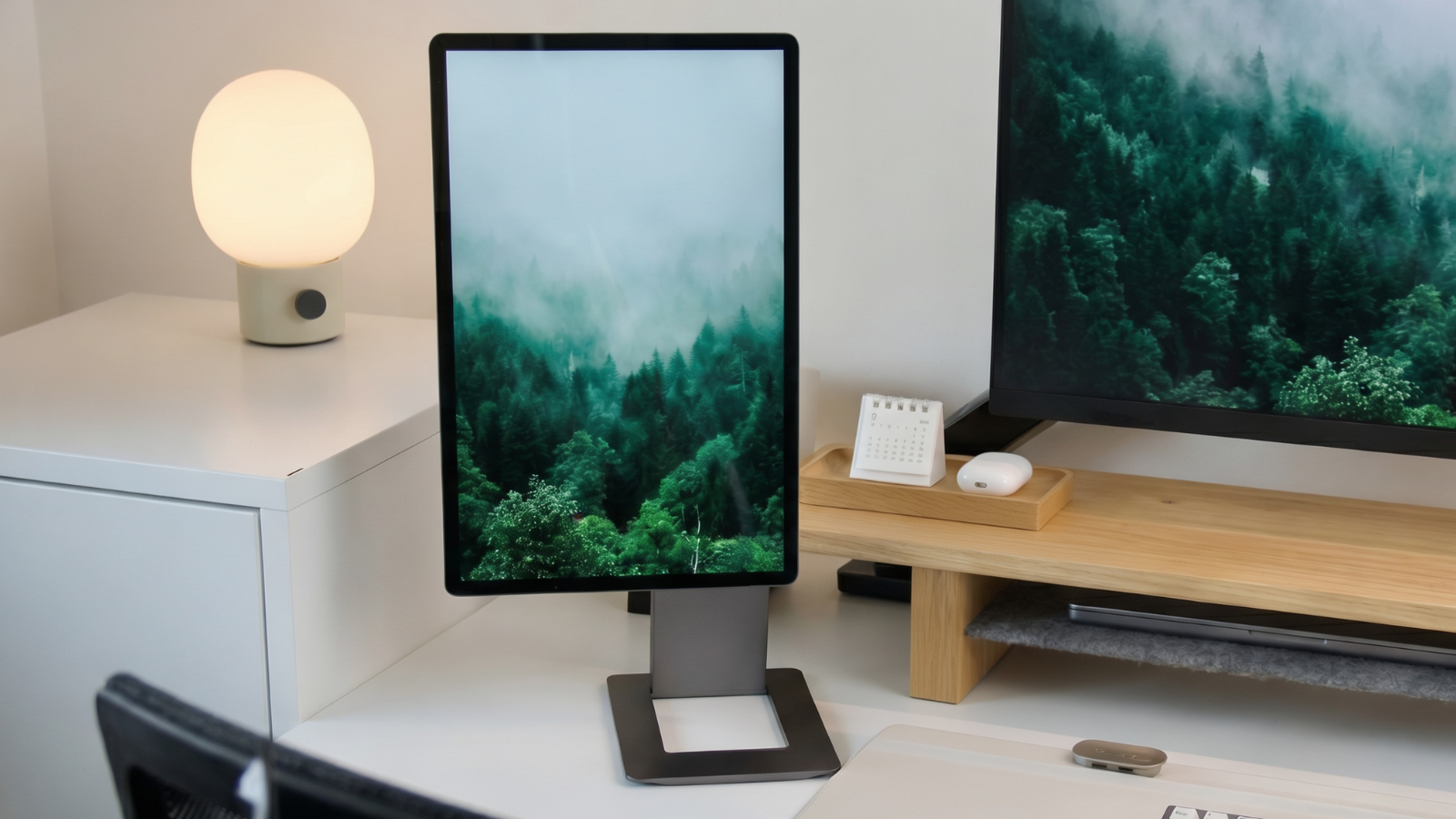
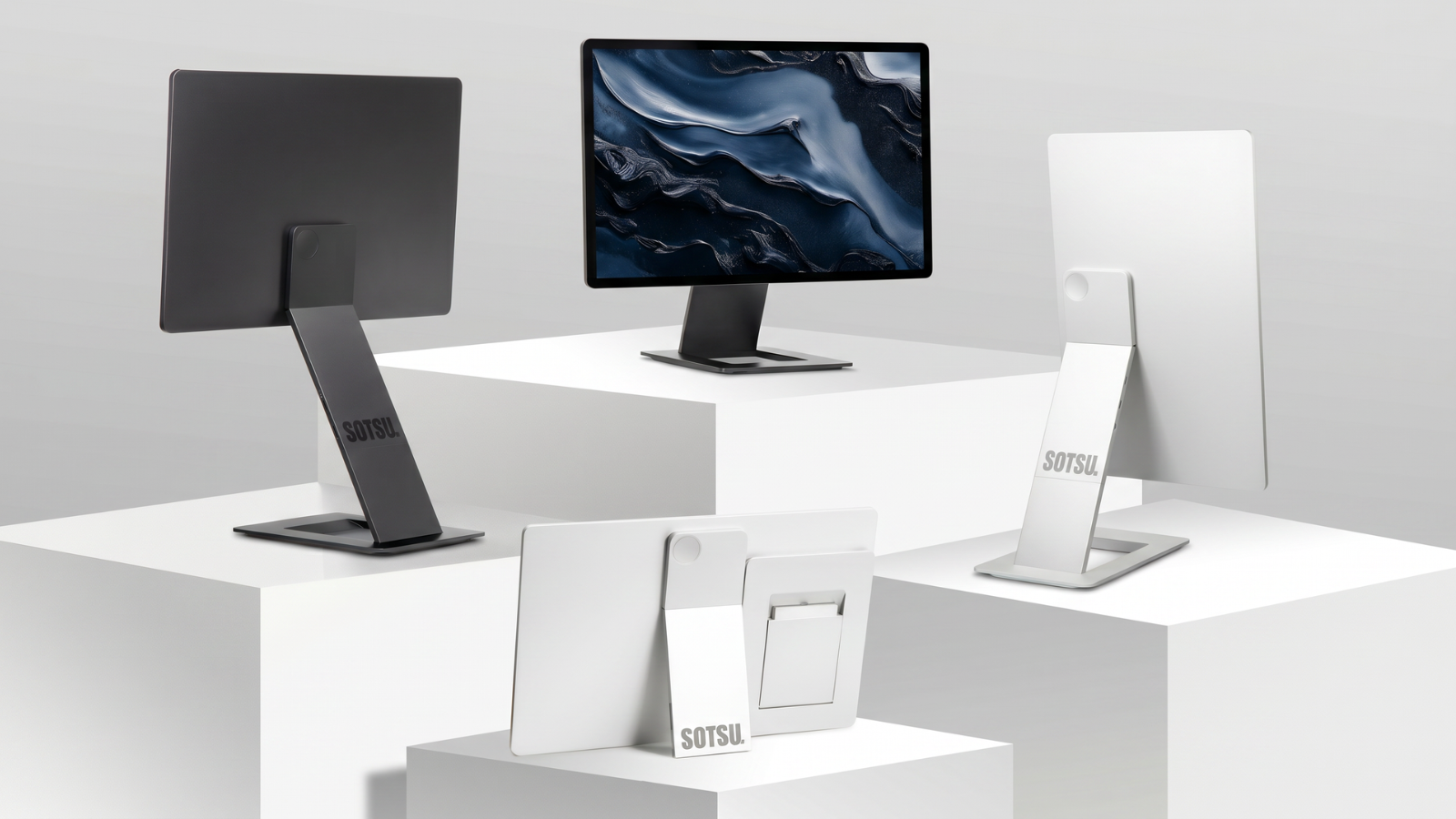
A sturdy, adjustable stand determines how much hassle setup involves. Models with a magnetic or click-on mount, like the FlipAction models, let the screen click directly onto the back of your laptop screen without a separate stand.
Picture quality and color accuracy
If you work with photos, video, or design, pay attention to the color gamut coverage (DCI-P3, for example) and peak brightness (nits), especially if you often work outdoors or in brightly lit spaces.
Our recommended models
For most remote workers and travelers, the SOTSU FlipAction Pro 16″ offers the best balance of price and performance, with 2.5K resolution and 120Hz for smooth visuals. If you work professionally with color and imagery, the SOTSU FlipAction Elite 16″, with 4K resolution and DCI-P3 color coverage, is the better choice. You can read a full hands-on of both models in our SOTSU FlipAction review.
Prefer a broader overview of what's available on the market first? Check out our general portable monitor buying guide or the comparison of the 7 best portable monitors of 2026.
How does this compare to other well-known brands?
Considering a different brand? We've written a number of honest comparisons: Arzopa, ASUS ZenScreen, Espresso Display, and Lenovo ThinkVision M14. If you game on the go, this comparison between the Arzopa 144Hz and the SOTSU FlipAction Pro is worth a look.
Frequently asked questions
Does a portable monitor work with every laptop?
Nearly any laptop with a USB-C port that supports video signal (USB-C with DisplayPort Alt Mode) works with a portable monitor via a single cable. Older laptops without that feature may need an HDMI connection instead, which is often supported too, but then with a separate power cable for the screen.
Can I use a portable monitor with my phone too?
Yes, as long as your phone supports USB-C with video signal. It's especially handy for gaming on your phone or viewing content on a larger screen while on the go.
How much power does a portable monitor draw from my laptop battery?
This varies by model and brightness setting, but expect a noticeable impact on your battery life. When traveling, a model with USB-C passthrough charging is therefore recommended, so you can charge at the same time.
Is a portable monitor fragile when traveling?
Most models are built from sturdy aluminum or a protective housing and can handle the occasional knock, but a protective sleeve during transport is always a good idea.
Leave a comment
This site is protected by hCaptcha and the hCaptcha Privacy Policy and Terms of Service apply.