


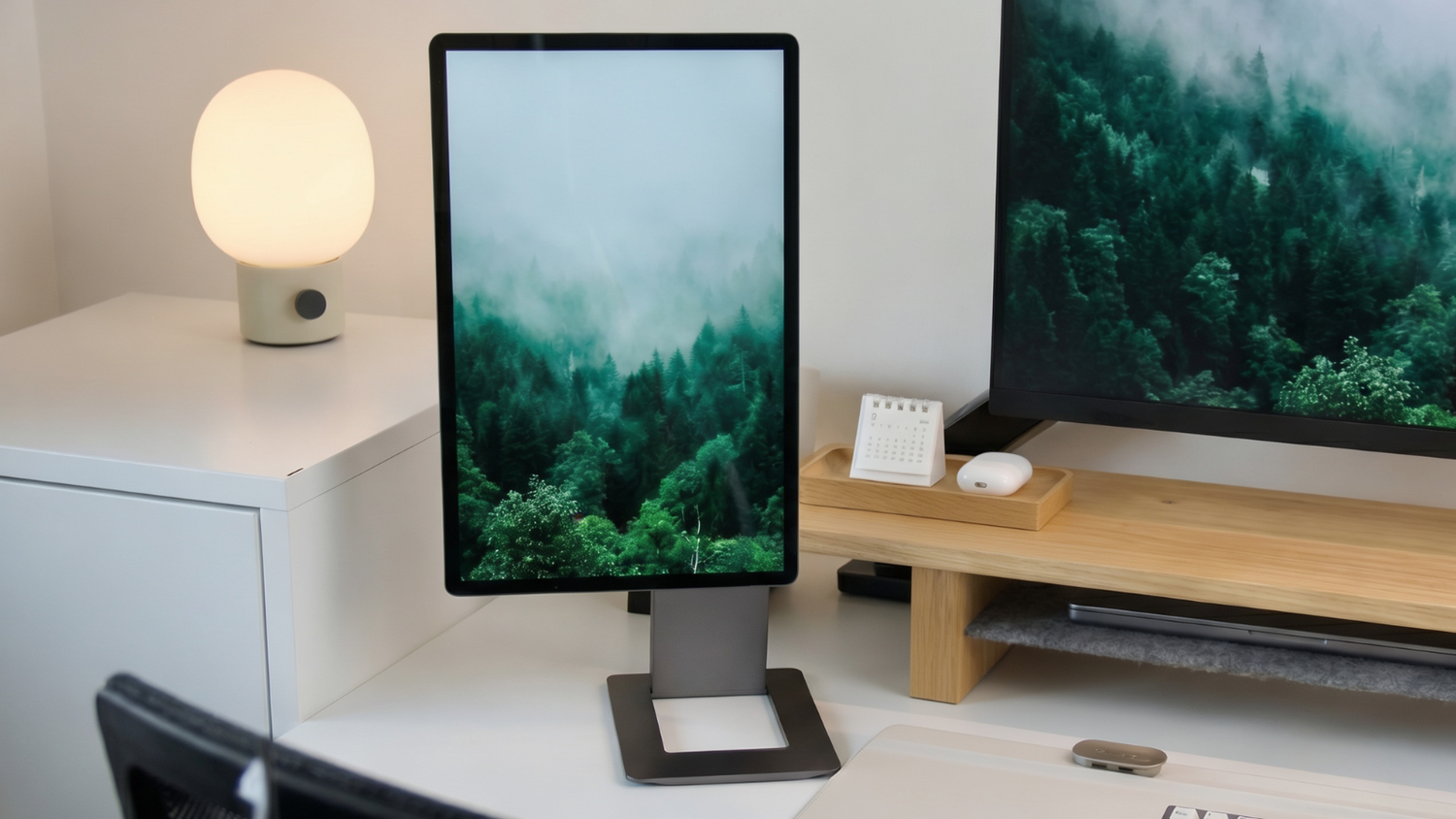
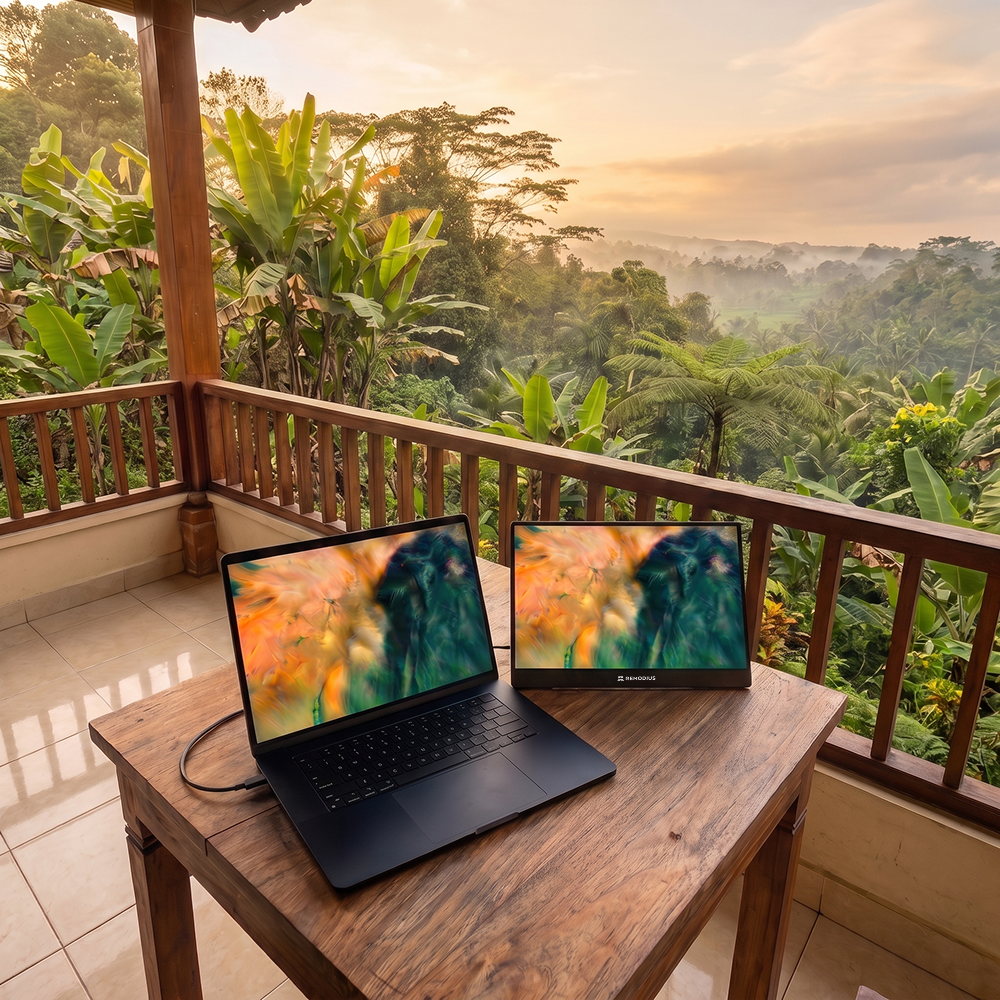
Working from home and flexible workspaces are here to stay, but your productivity depends on your screen. On a single laptop display, you're shuffling windows on top of each other all day; with a second screen, you work more calmly and more efficiently. A portable monitor gives you that dual-screen workspace (at home, in the office, or at a flexible desk) without a fixed setup. In this article, you'll learn what to look for and which model fits the way you work.
Why choose a portable monitor for working from home?
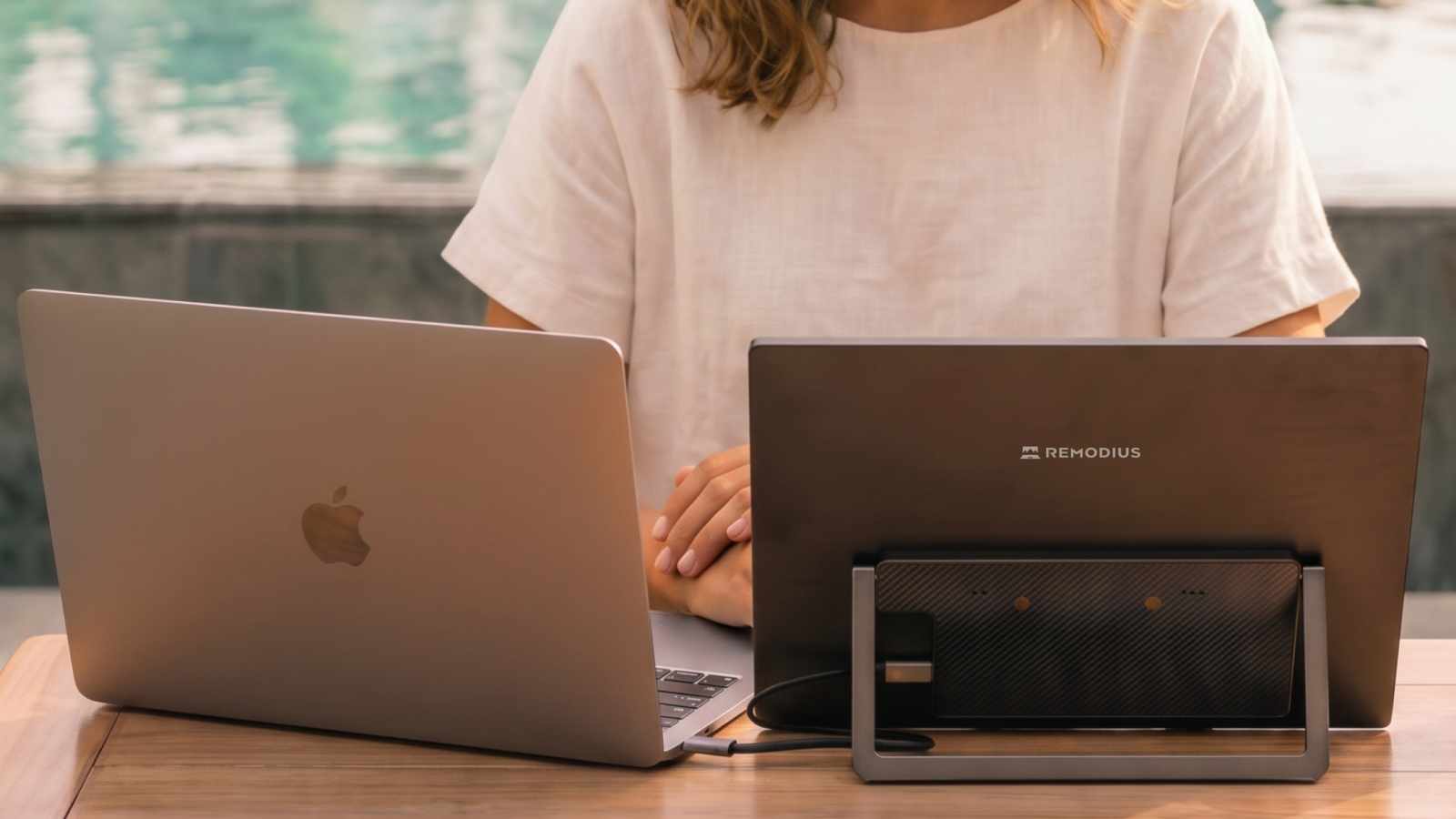
A portable monitor connects to your laptop with a single USB-C cable and doubles your workspace in seconds. In practice, that means:
- your email, chat, or research open right next to the document you're working on;
- more overview for spreadsheets, code, dashboards, or video editing;
- a tidy desk: no fixed monitor, just pack it away after work;
- the same dual-screen experience at a flexible desk as you have at home.
This is especially useful if you switch between working from home, the office, and being on the road: a screen that travels with you beats one that's tied to a single desk.
What should you look for in a second screen for a flexible workspace?
Four factors determine how comfortable a portable monitor is to use day to day:
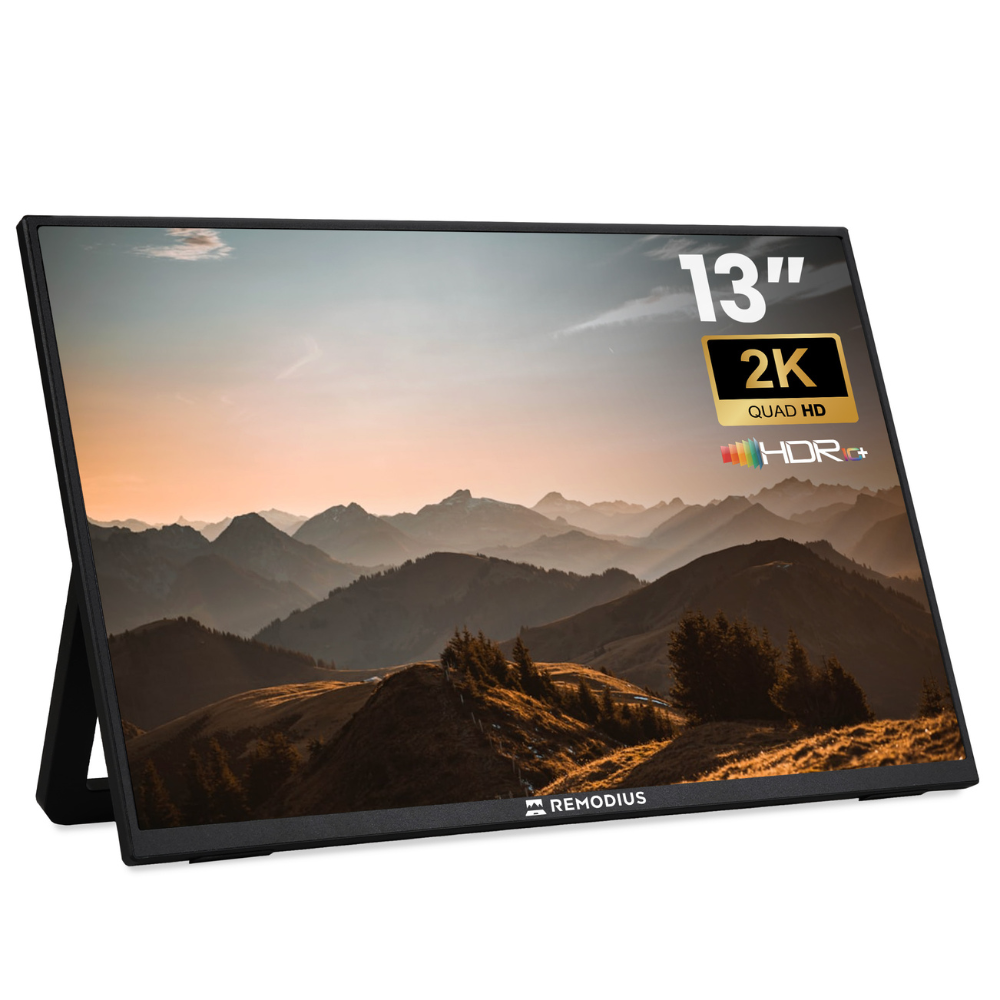
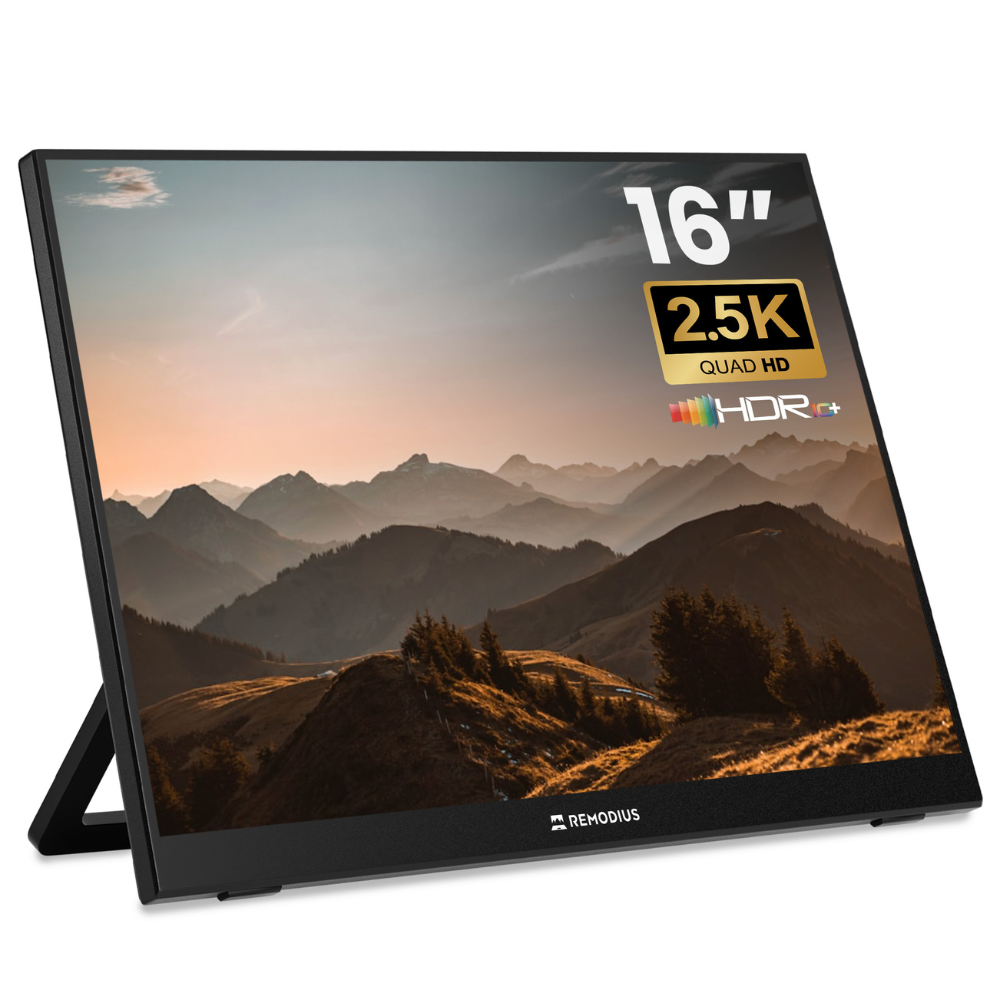
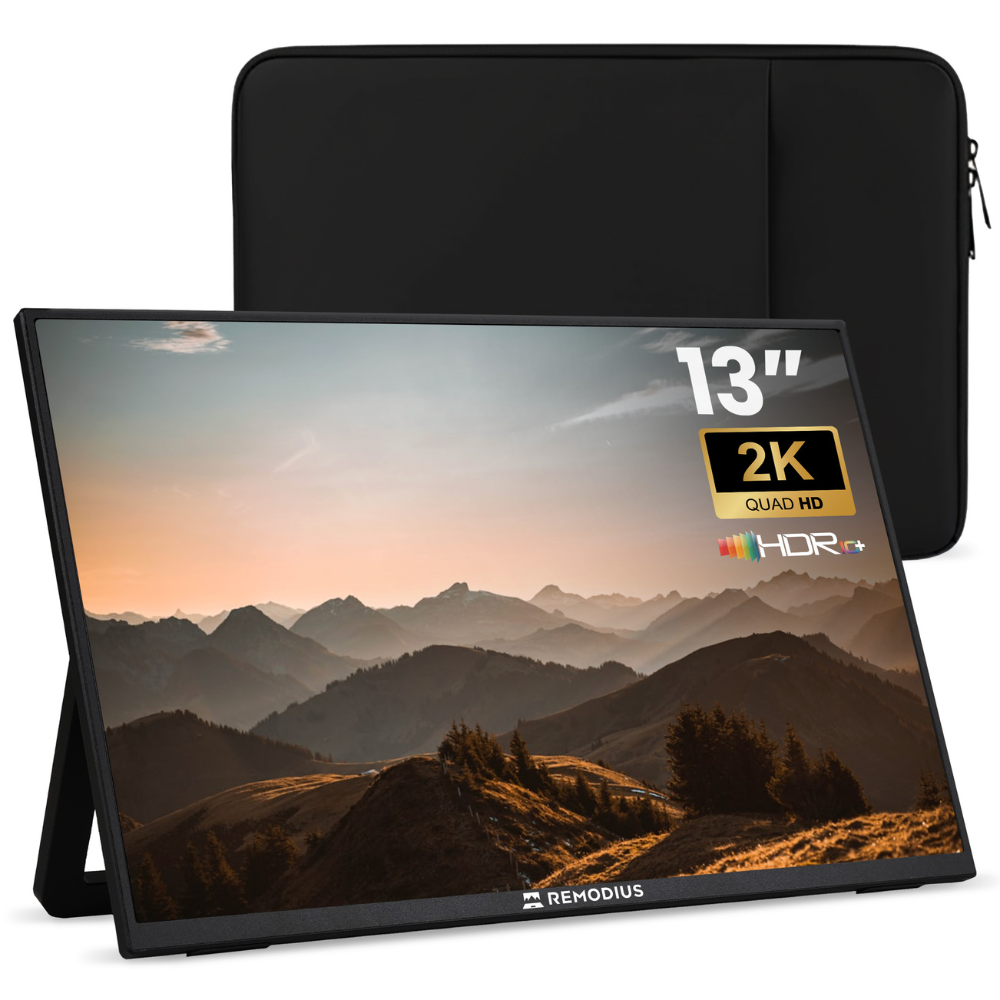
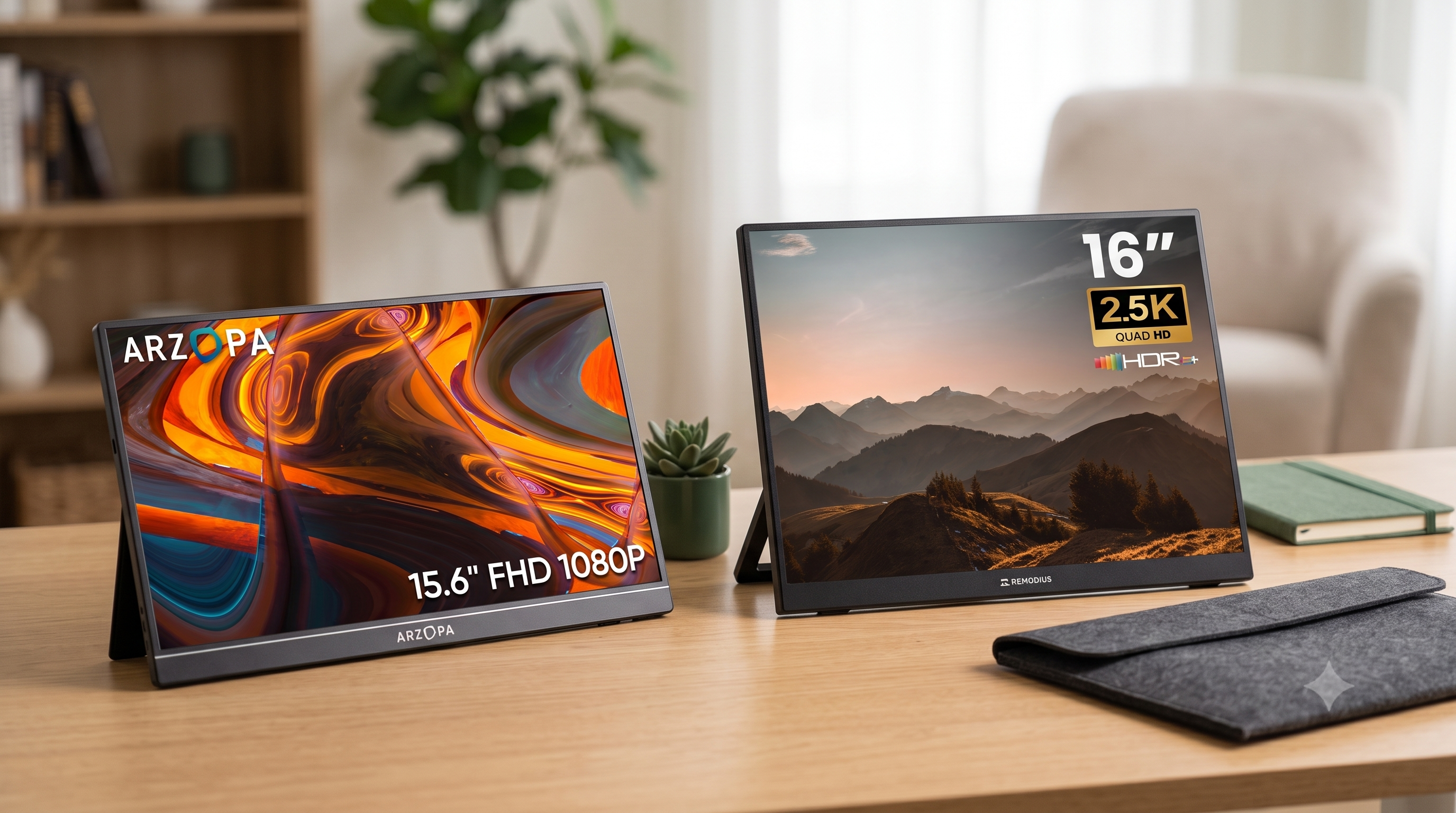
- Size. 13 inches is the lightest and most compact for your bag; 16 inches gives you a full dual-screen experience on your desk. If you mainly work from home or at a fixed flexible desk, 16 inches is more comfortable.
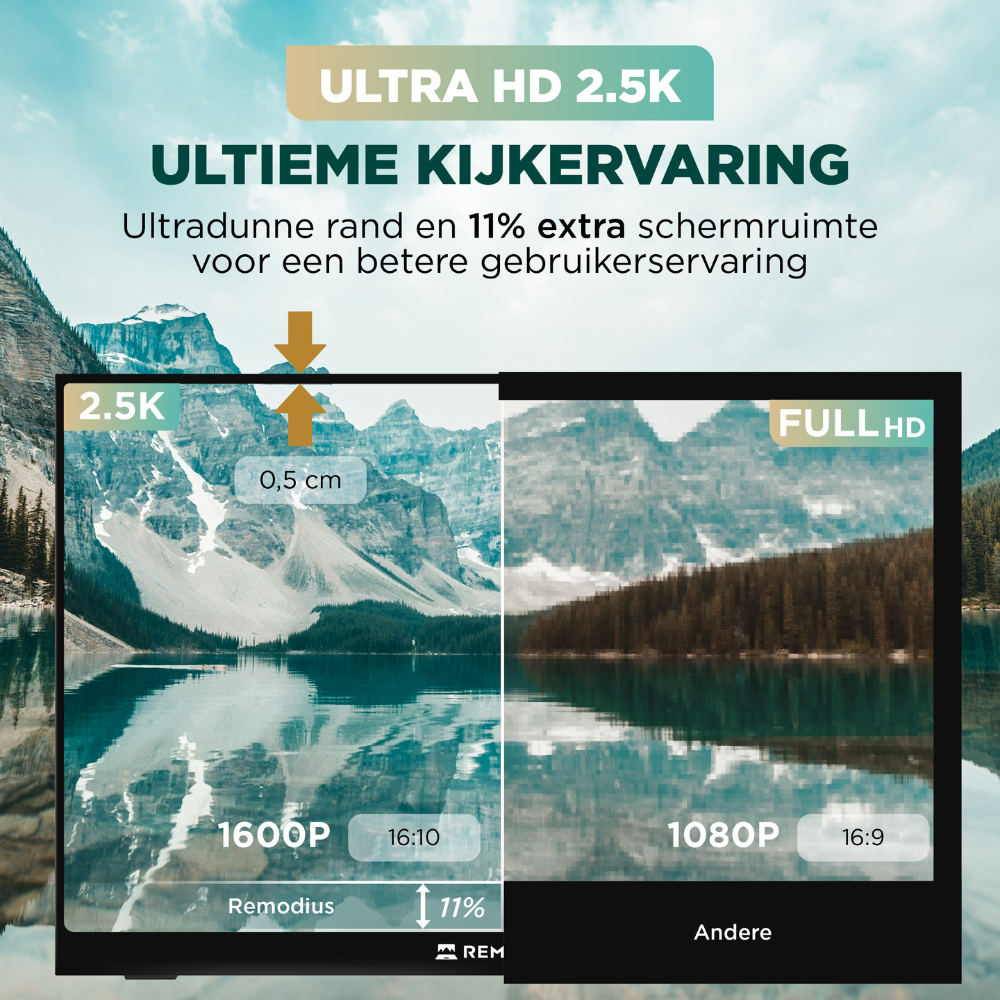
- Resolution. Full HD is fine for text; 2.5K or 4K delivers a sharper image and more workspace, and is more comfortable during long workdays or visual work.
- Connection. USB-C with DisplayPort Alt Mode is the most convenient: one cable for both video and power, plug-and-play with most laptops and MacBooks.
- Ergonomics. A screen at eye level is more comfortable than a monitor sitting low next to your keyboard. Pay attention to the stand or mounting mechanism.
For a more detailed explanation, check out our buying guide: how to choose a portable monitor.
Ergonomics: set your screen at eye level
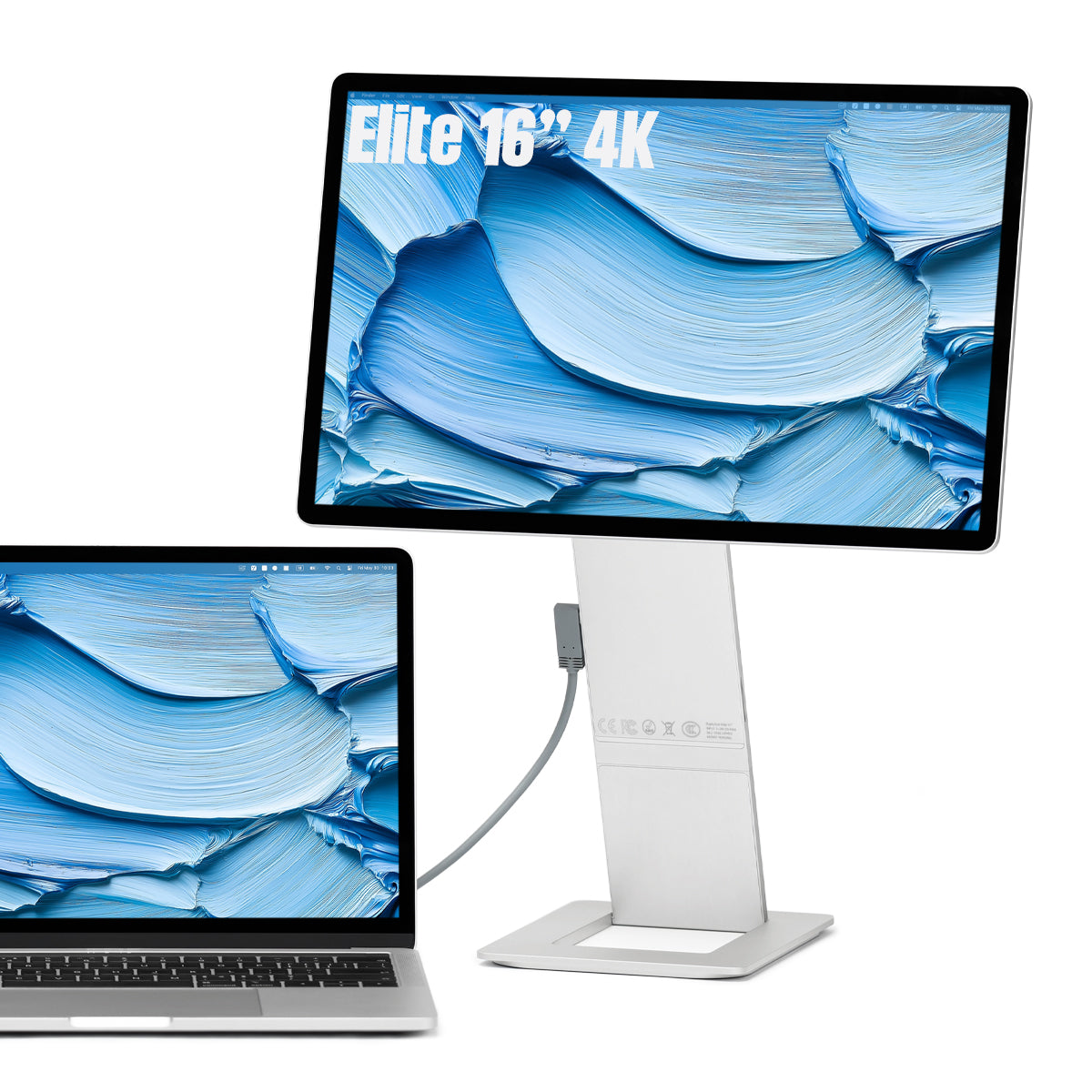
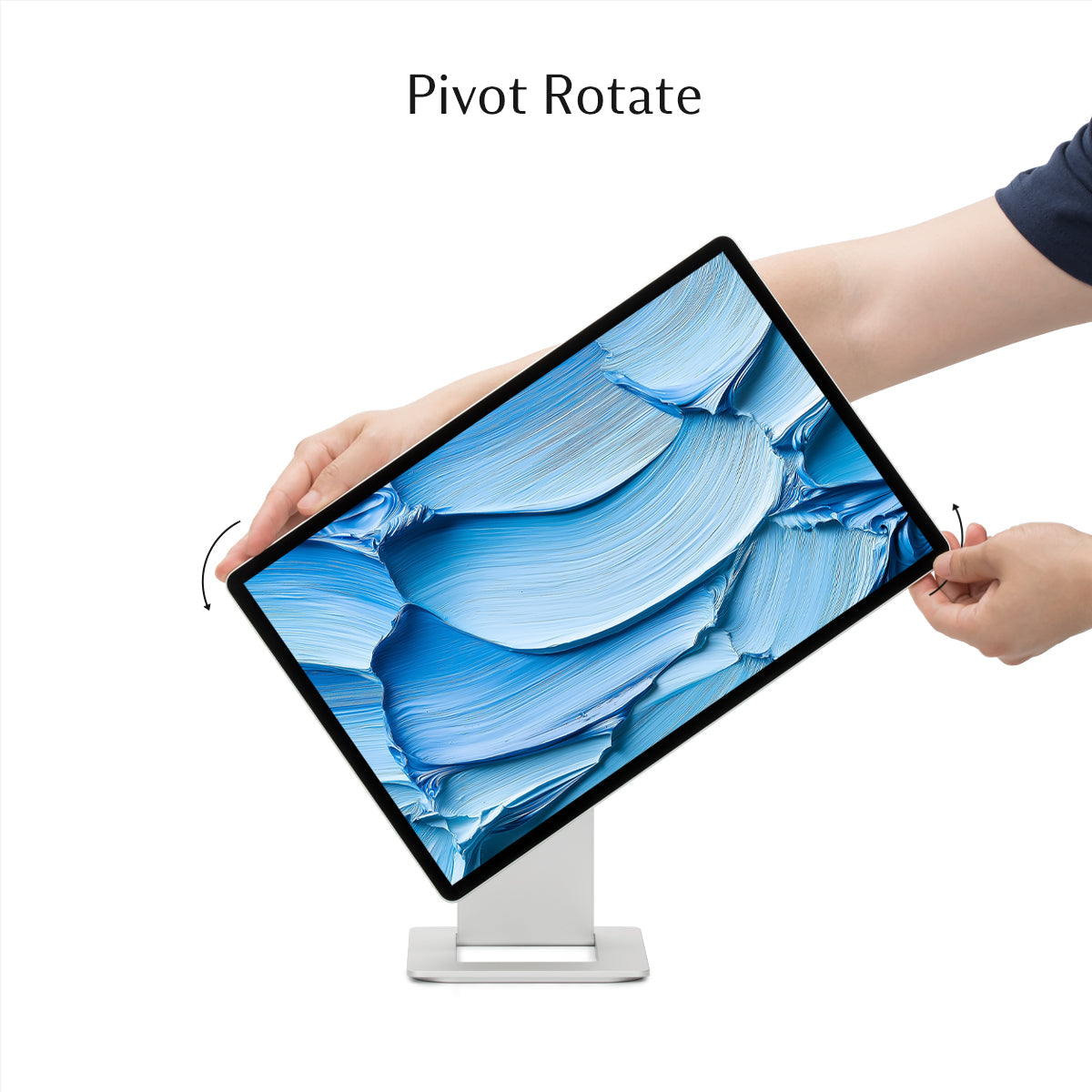
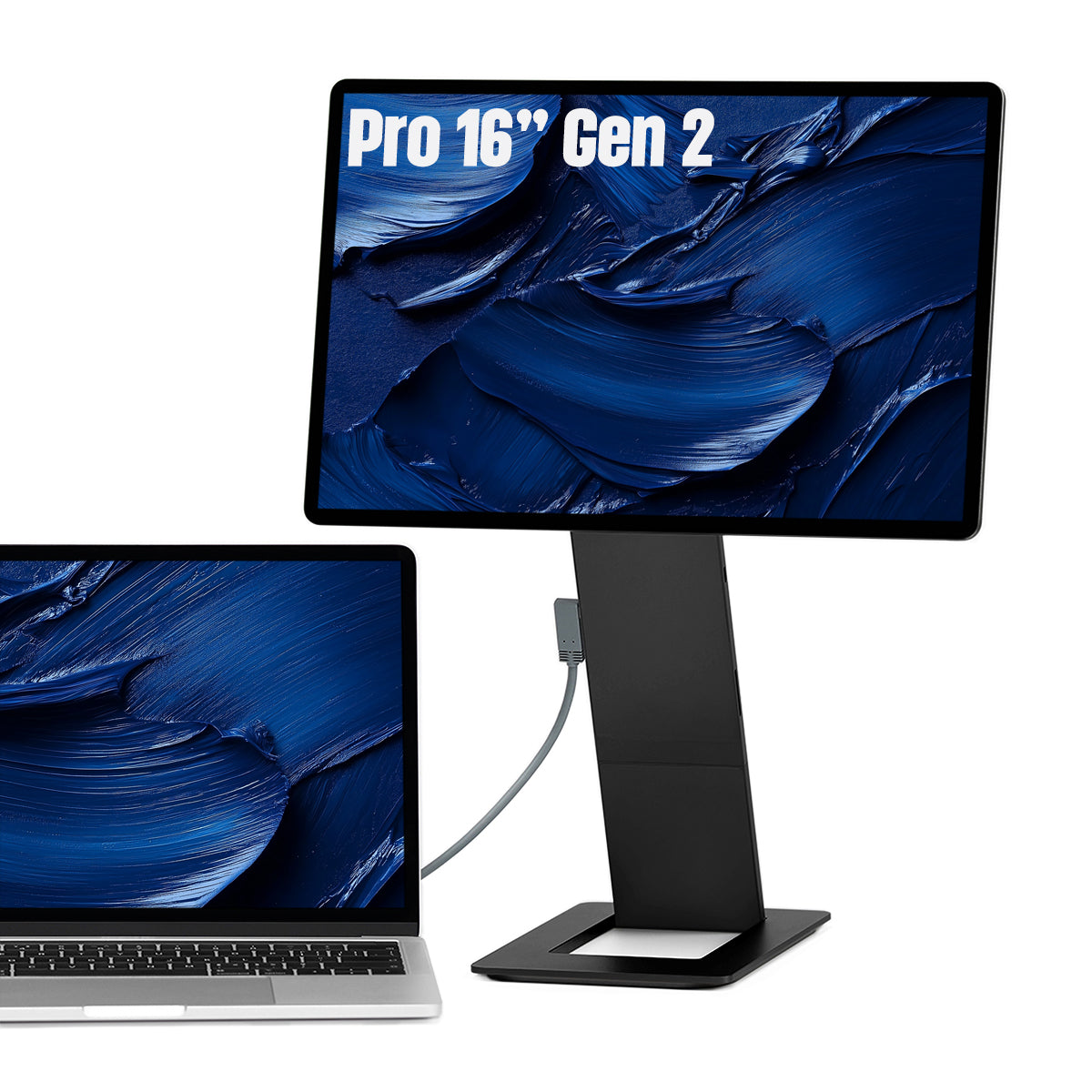
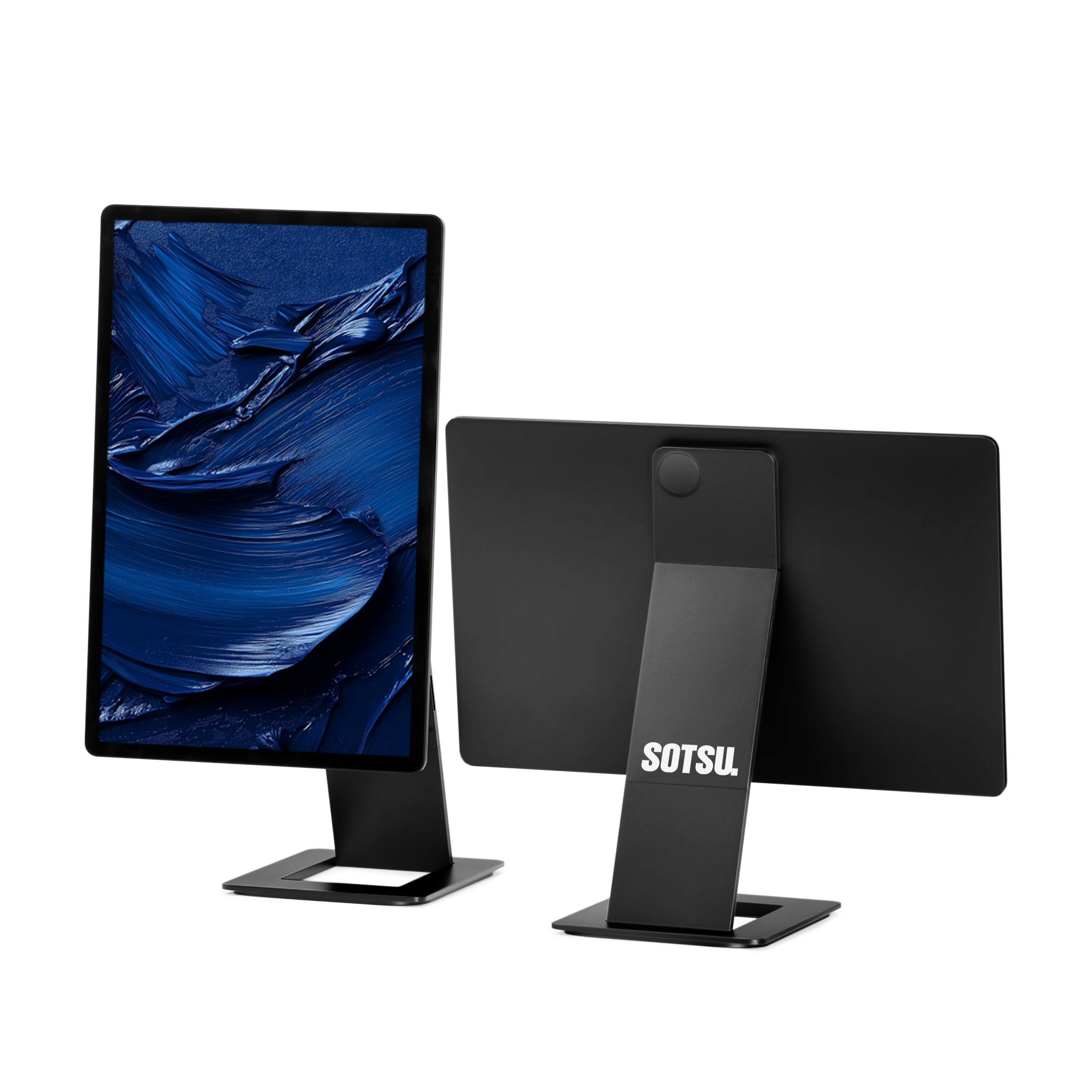
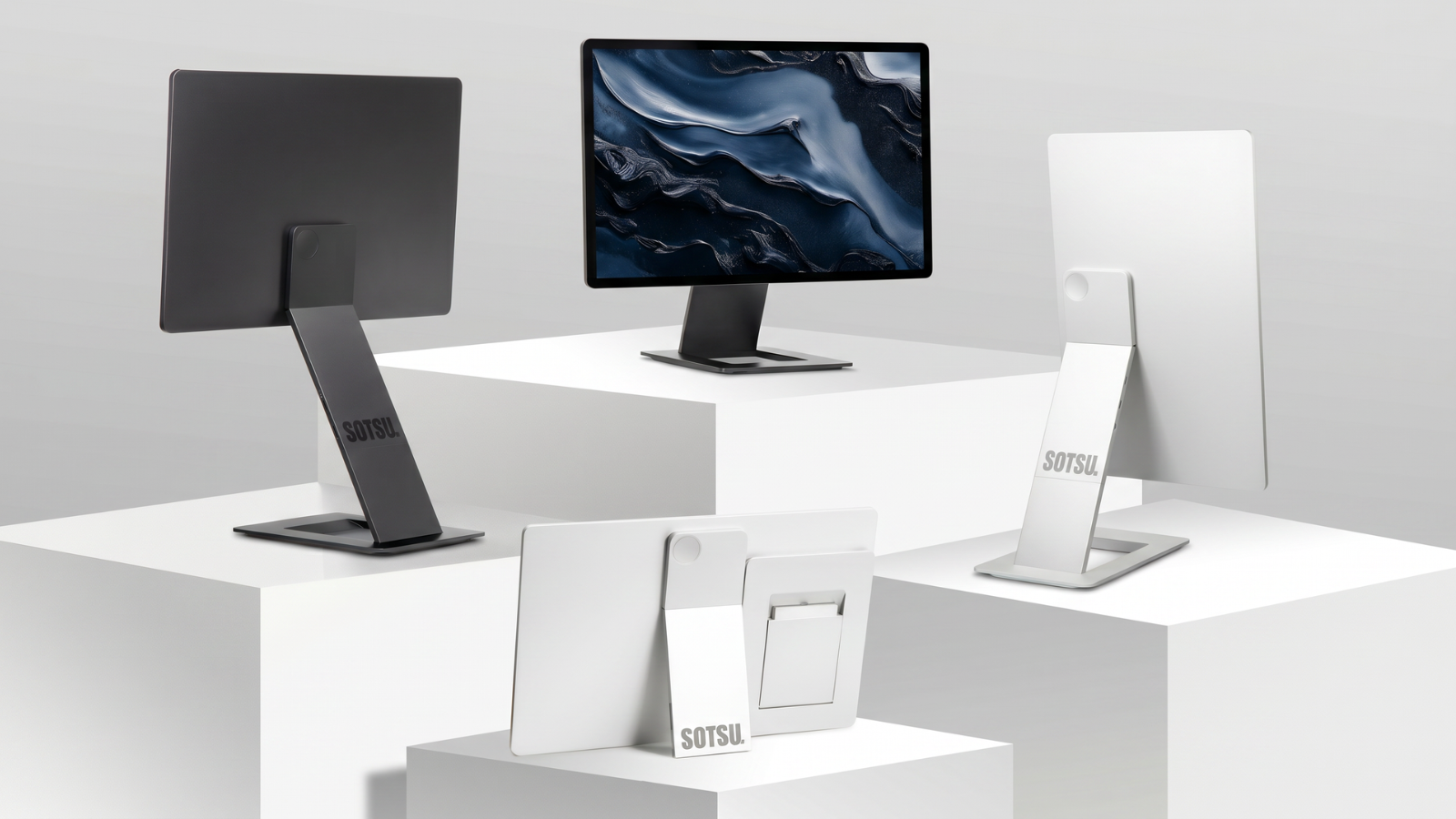
When working from home, you often spend long days behind your laptop, and that takes a toll on your neck and shoulders. A second screen at eye level helps you sit up straighter. The SOTSU FlipAction monitors handle this cleverly: the screen clicks magnetically behind your laptop and rotates 180° upward, so your second screen sits above your laptop at eye level, without a separate stand or extra desk space. Ideal for a neat, ergonomic home office you can pack away just as easily.
Which portable monitor fits your workday?
At Remodius, you'll find a complete range, from light and compact to premium:
- The Portable Monitor 13 inch is the lightest option, great if you switch locations often.
- The Portable Monitor 16 inch offers maximum workspace for a fixed dual-screen setup.
- Want premium with 120Hz or 4K and a screen at eye level? Check out the SOTSU FlipAction Pro (2.5K, 120Hz) or the FlipAction Elite (4K).
A portable monitor from Remodius
- Plug-and-play via USB-C, compatible with most laptops and MacBooks.
- Free, fast shipping from the Netherlands.
- 2-year warranty and service from the Netherlands.
- Expert advice on the right model for your workspace.
Frequently asked questions
Will a portable monitor work with my work-from-home laptop?
Yes, via USB-C with DisplayPort Alt Mode (most modern laptops and MacBooks) or via HDMI. One cable is usually enough for both video and power.
What size is best for working from home?
If you mainly work from one fixed spot, 16 inches gives you the most comfortable dual-screen experience. If you switch locations often, 13 inches is lighter to carry.
Can I set my screen at eye level without a separate stand?
Yes. The SOTSU FlipAction monitors click magnetically behind your laptop and rotate 180° upward, so your second screen automatically ends up at eye level.
Do I need a power outlet?
Not always. With USB-C passthrough, your laptop or a power bank can supply power through the same cable.




Leave a comment
This site is protected by hCaptcha and the hCaptcha Privacy Policy and Terms of Service apply.