


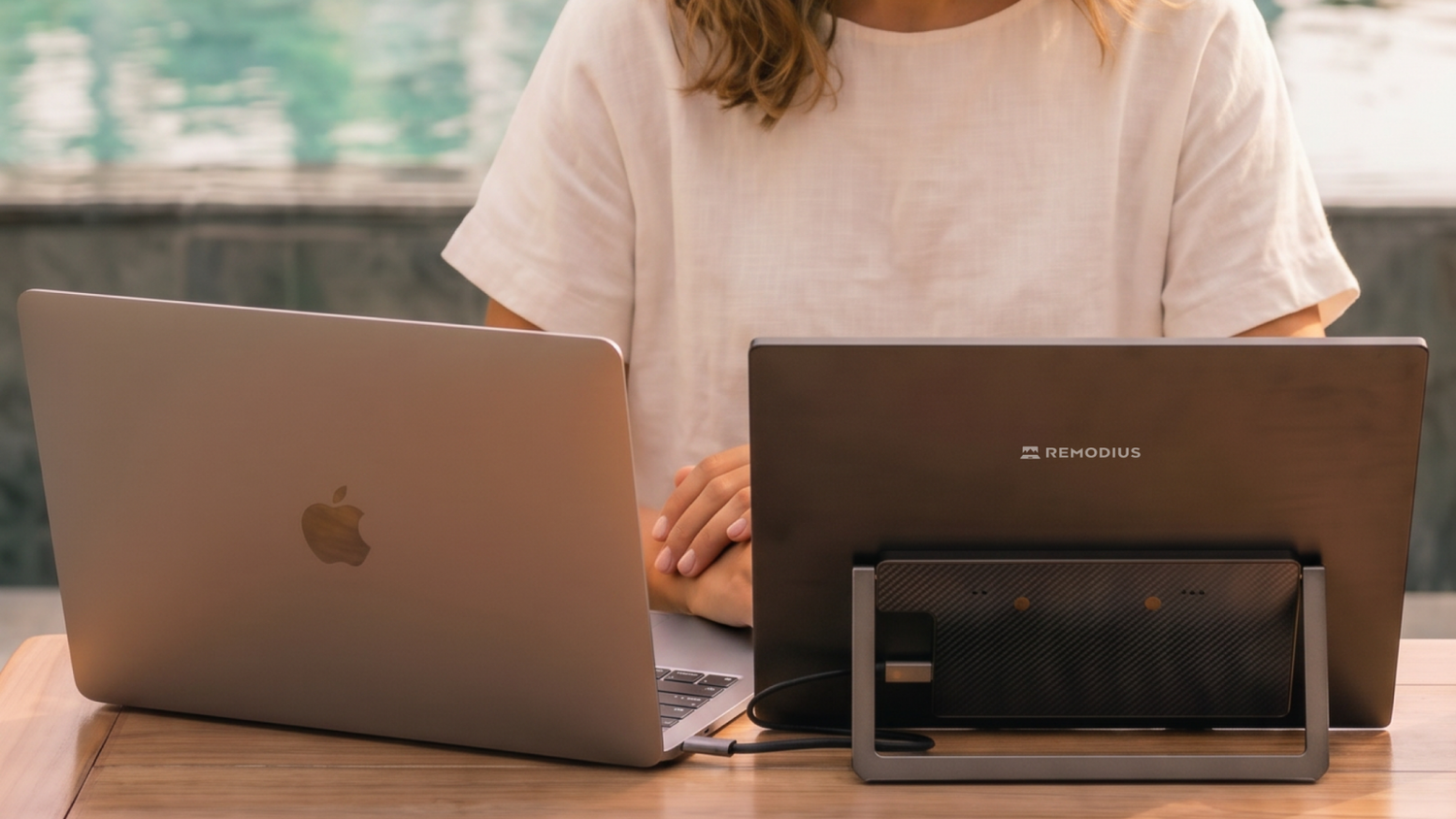
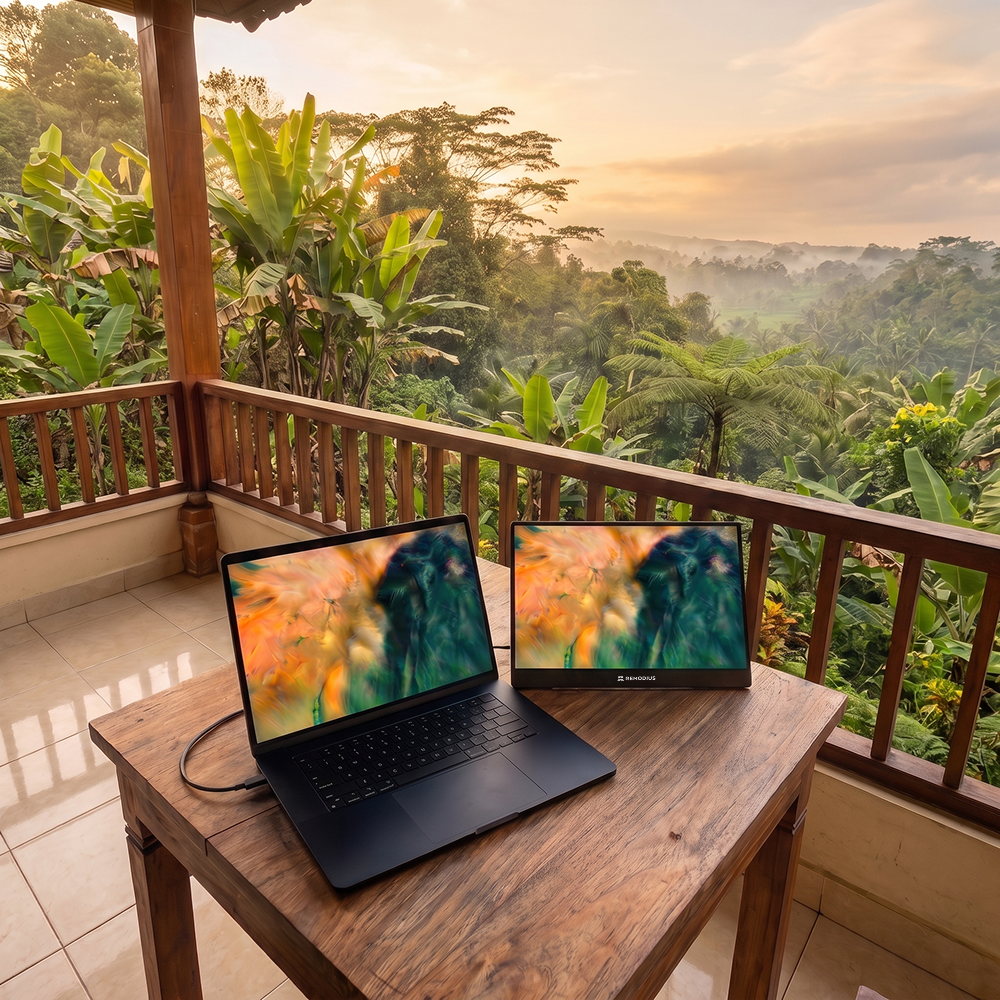
At home you work with two screens, but the moment you head out the door, you're back to one small laptop display. Sound familiar? A second screen for your laptop solves that on the go: a portable monitor that connects with a single cable makes you just as productive on the train, in a cafe, or in a hotel room as you are at your desk. In this article, you'll learn how to connect a second screen to your laptop, including a MacBook, and what to look for when choosing one.
Why a second screen on the go?
One extra screen changes how you work. You can keep your email, chat, or research open next to the document you're working on, you stop dragging windows on top of each other, and staying on top of spreadsheets, code, or video editing suddenly becomes second nature. For anyone who travels often or works from different locations, a portable monitor is one of the biggest productivity boosts you can fit in your bag.
Does a portable screen work with a MacBook?
Yes. Most modern MacBooks (and Windows laptops) support video over USB-C with DisplayPort Alt Mode. That means a single USB-C cable carries both the video signal and power, so there's no need for drivers or installation: just plug in and get to work. When choosing a monitor, keep two things in mind:
- USB-C with DP Alt Mode: this lets your MacBook send video to the screen over a single cable.
- Passthrough (Power Delivery): with, for example, 65W passthrough, your MacBook charges through the same cable while the monitor receives power. That means you only need one power source on the go.
Does your laptop not support video over USB-C? Then a model with an HDMI fallback comes in handy.
What should you look for in a second screen for on the go?
Four factors determine whether a portable screen truly travels well:
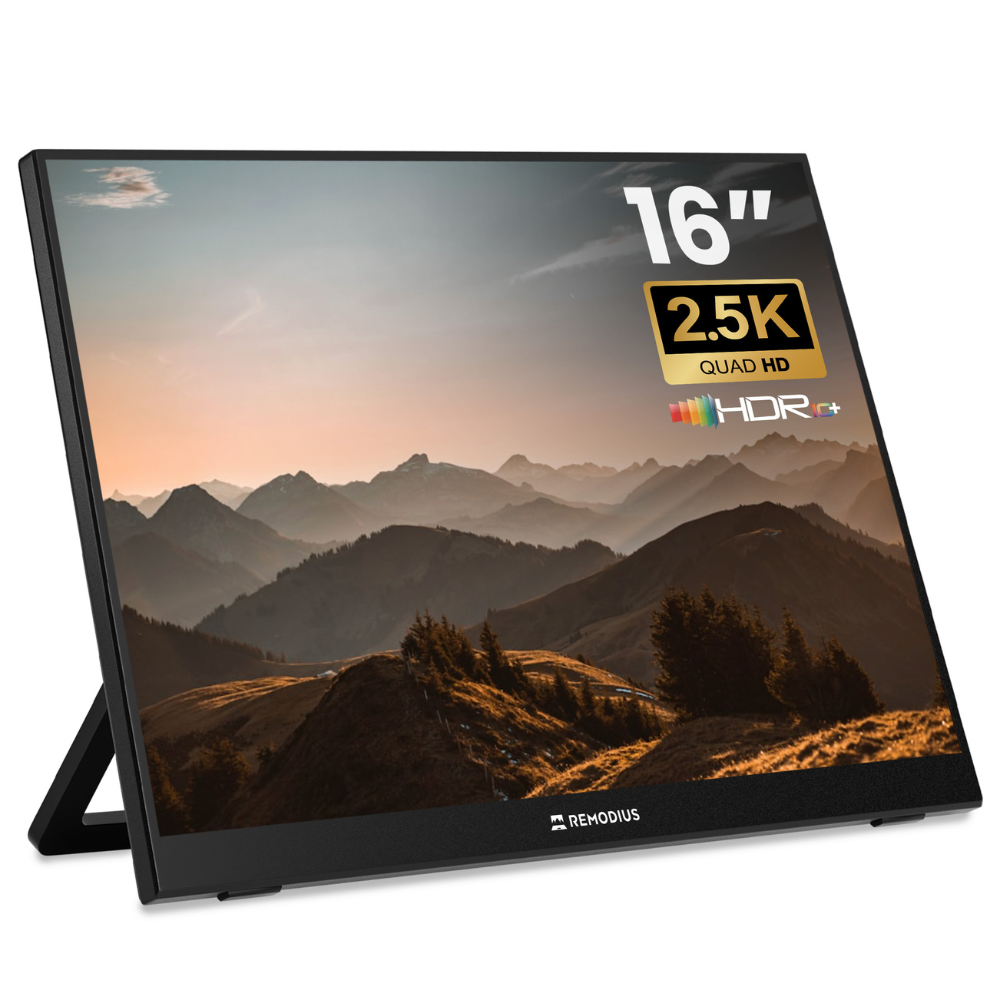
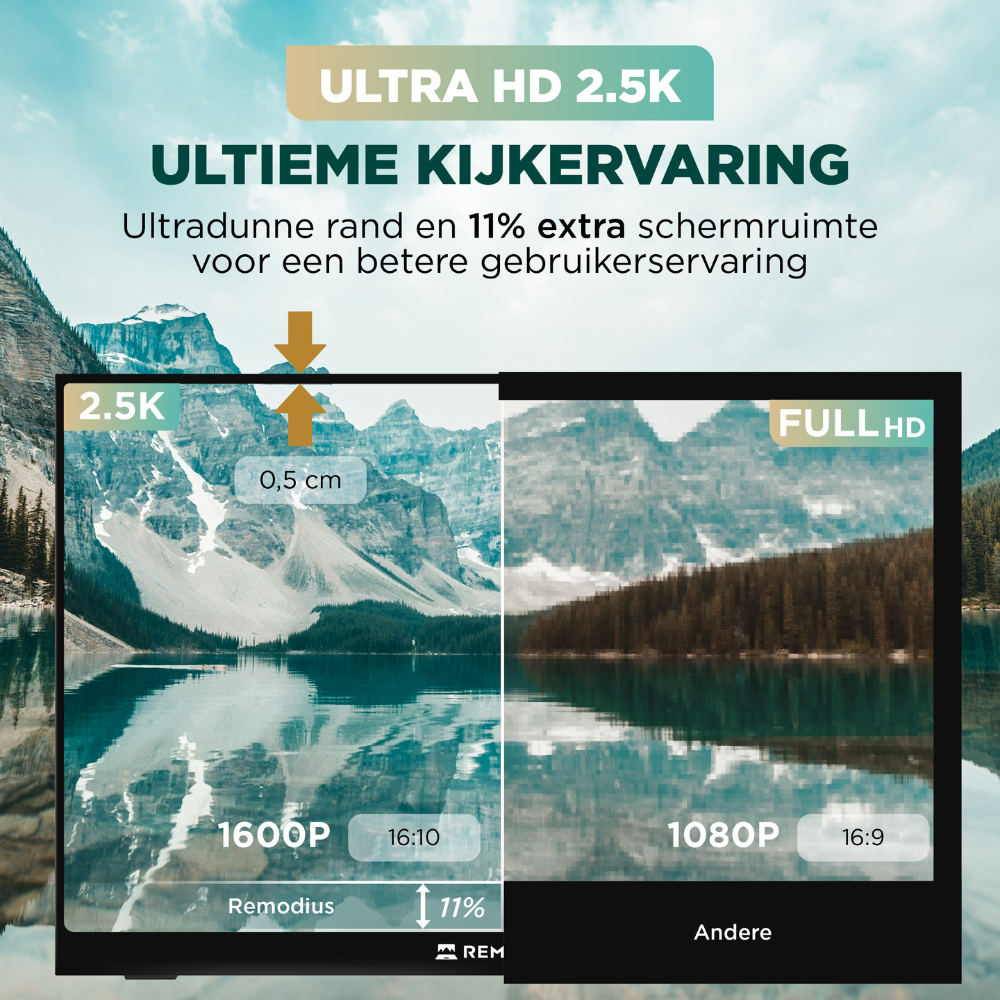
- Resolution: Full HD is enough for text; 2.5K or 4K delivers a sharper image and more screen real estate. If you work with photo or video, opt for higher resolution and color accuracy.
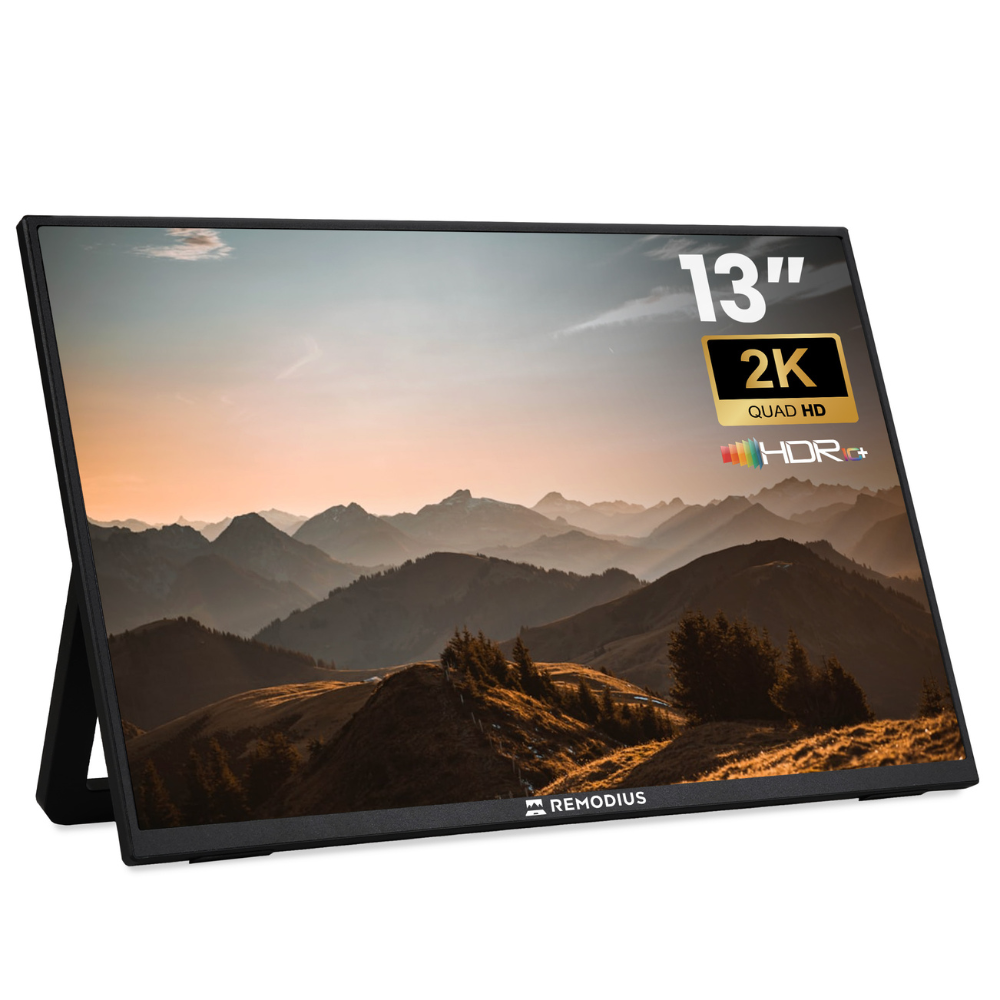
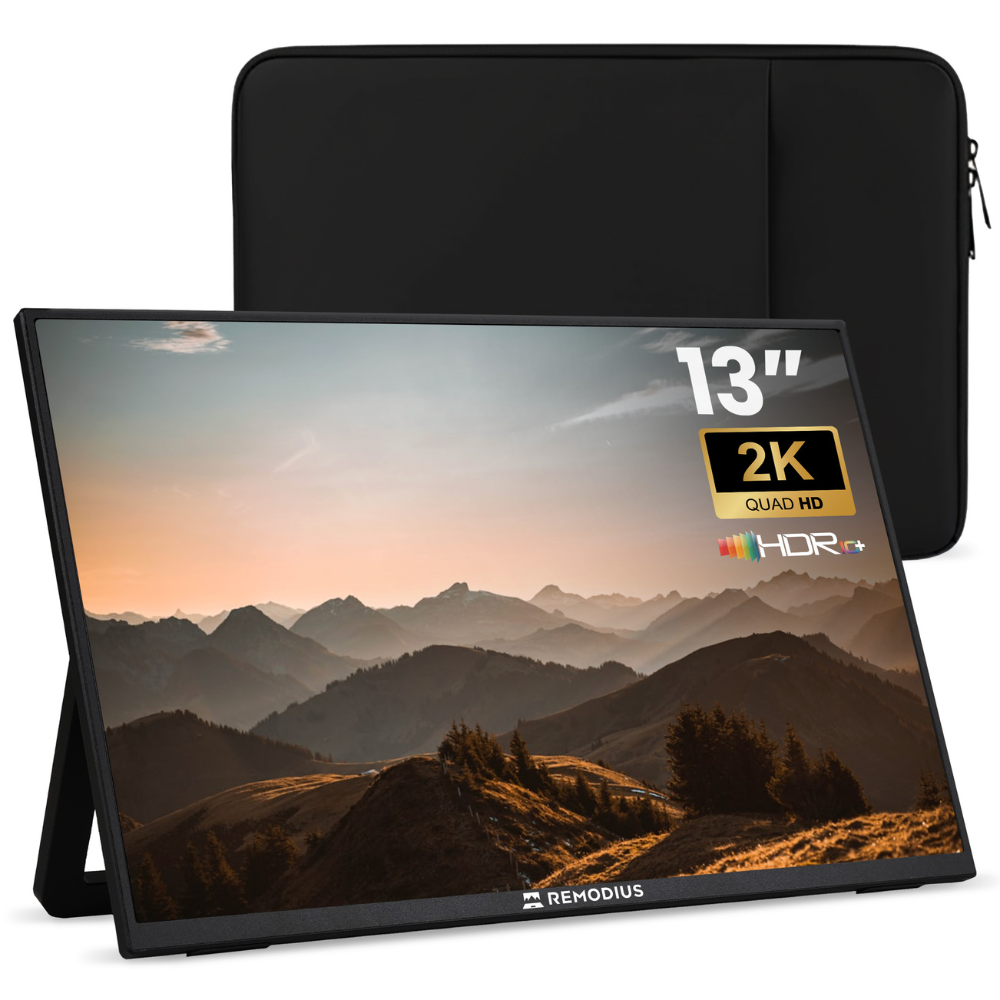
- Size and weight: 13 inches is the lightest for your bag; 16 inches gives you a full dual-screen experience. Factor in how often you'll be carrying it around.
- Connection: USB-C with DP Alt Mode is the most convenient: a single cable for both video and power.
- Stand: a built-in or magnetic stand saves you the hassle and keeps your screen stable.
You'll find a more detailed breakdown in our buying guide: how to choose a portable monitor.
Why FlipAction is ideal for on the go
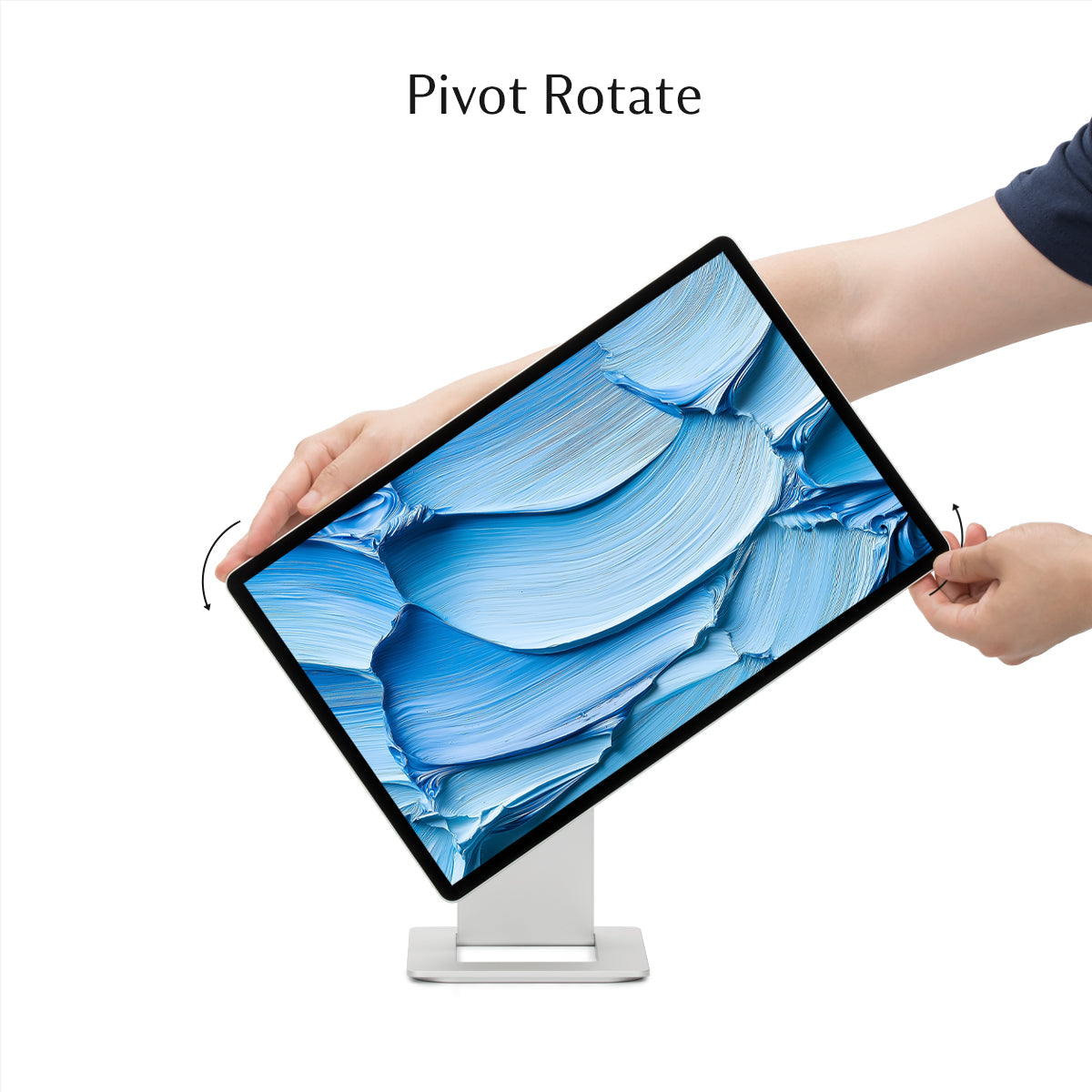
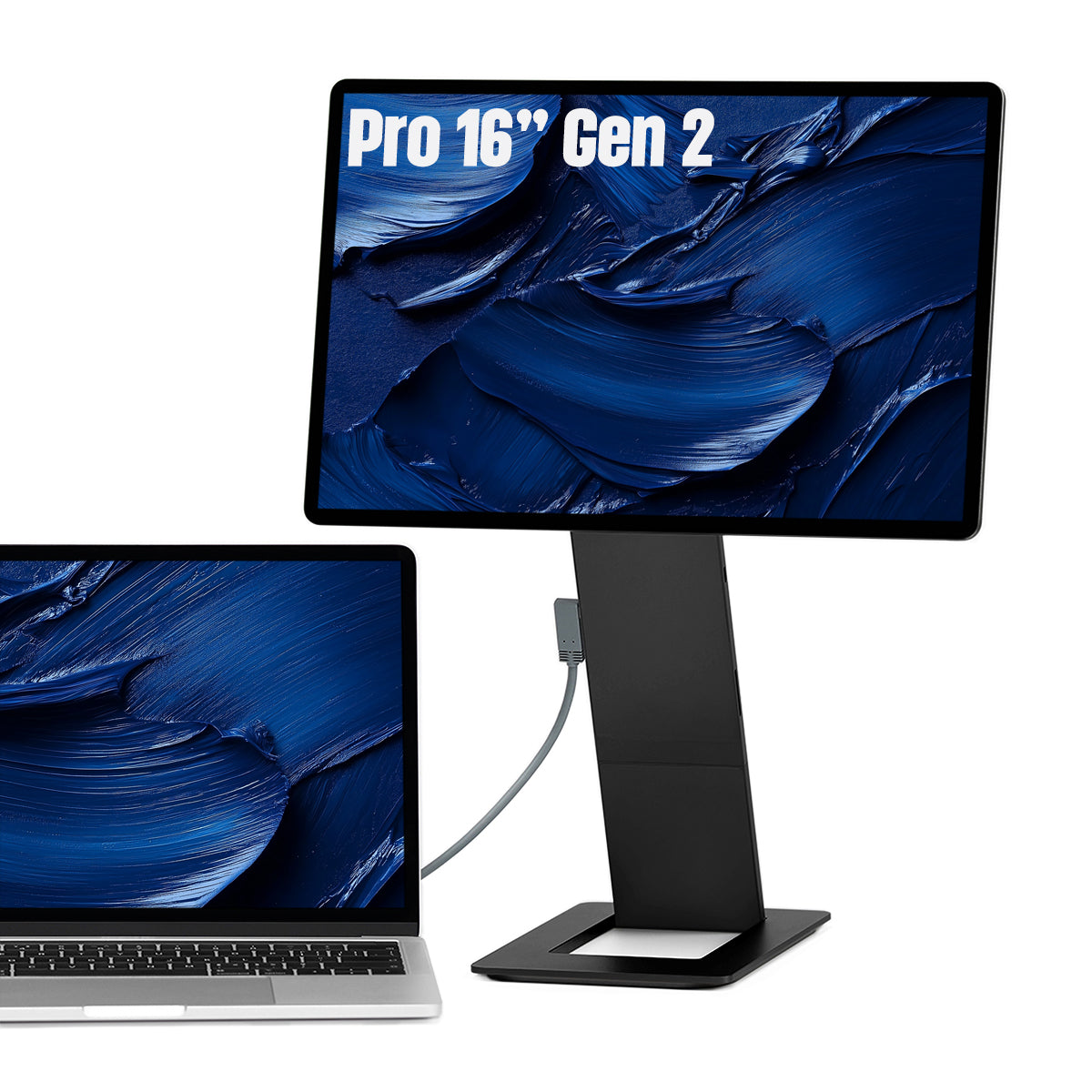
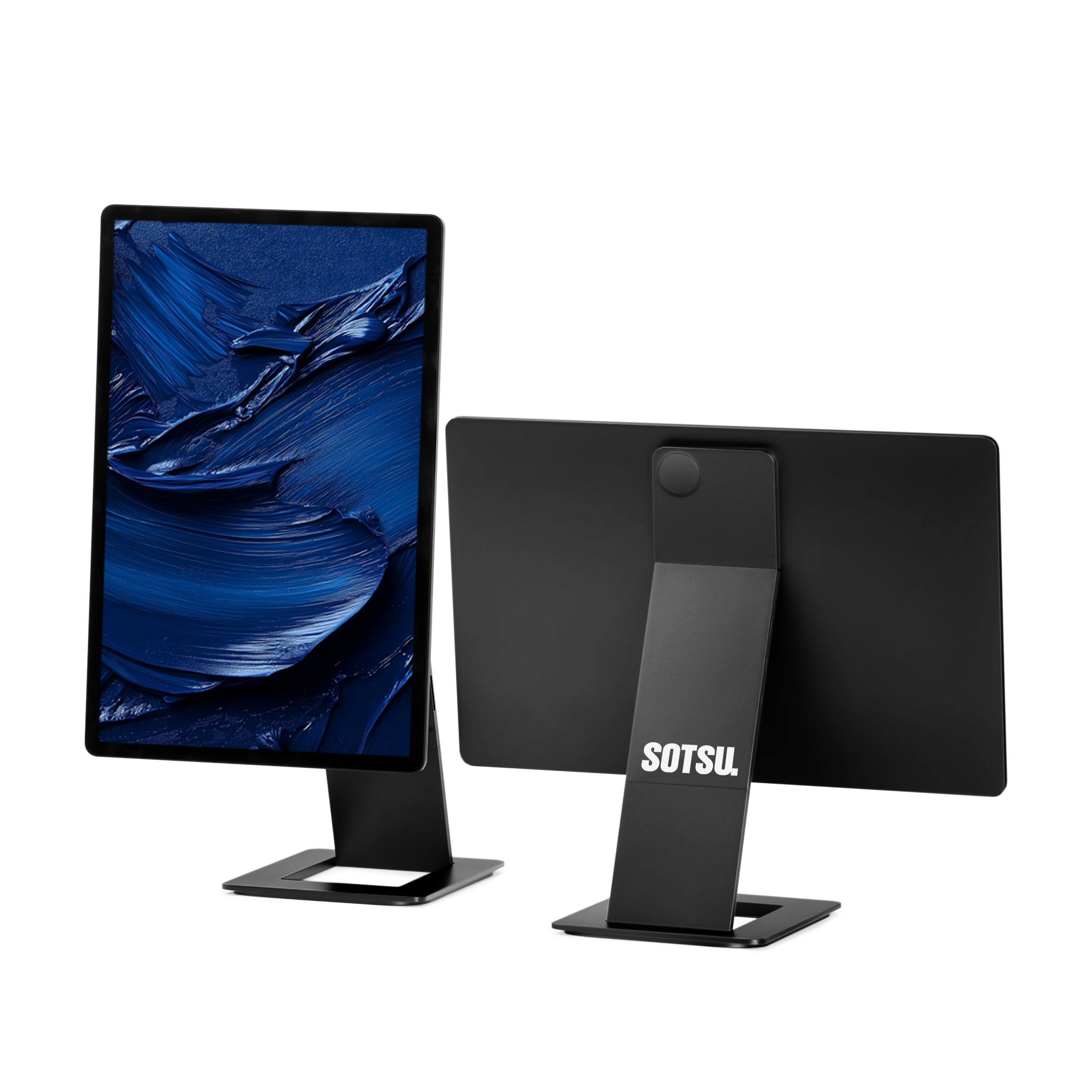
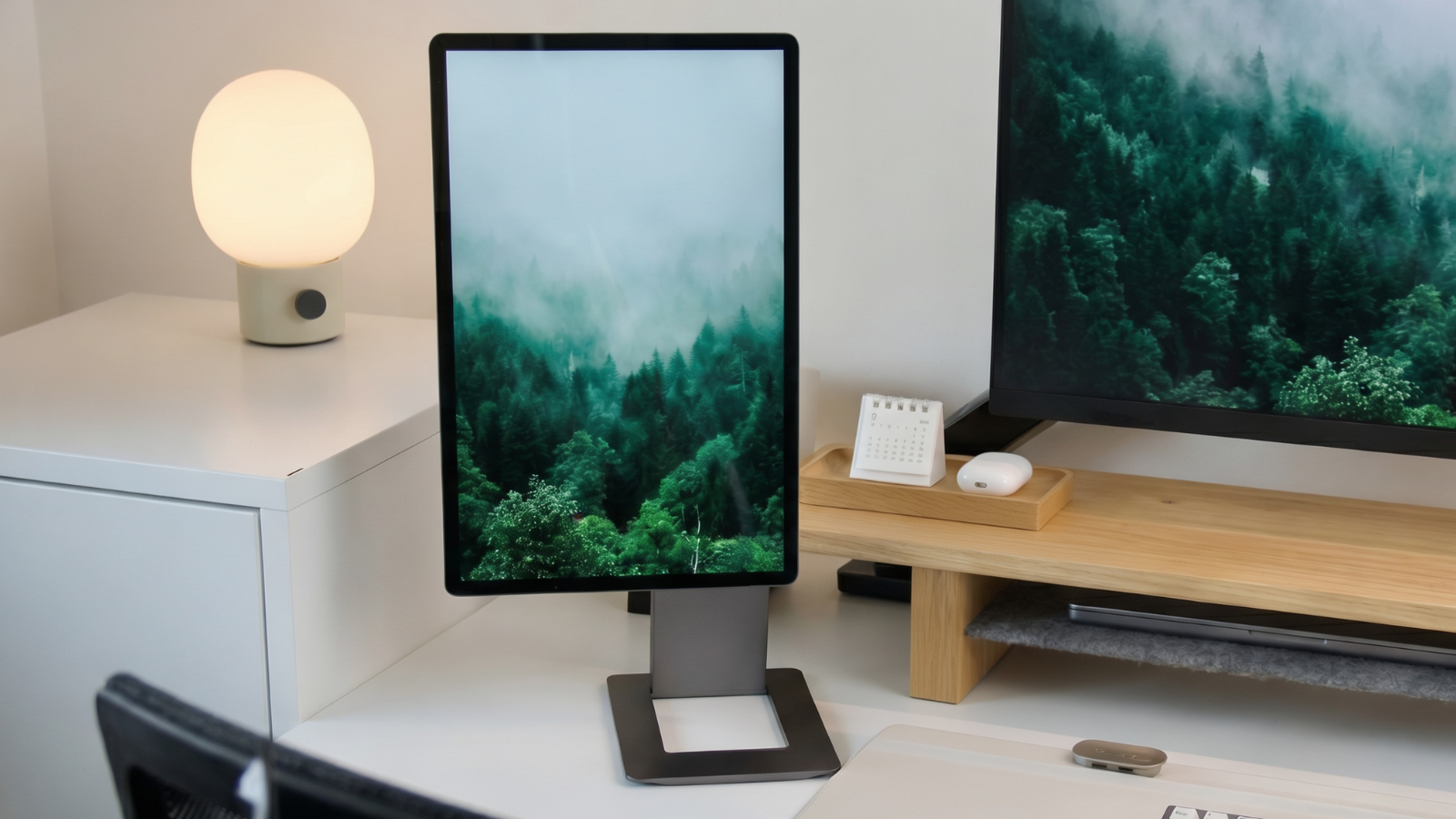
Most portable monitors sit next to your laptop, which takes up desk space and a separate stand, and leaves your screen sitting low. The SOTSU FlipAction monitors take a different approach: the screen clicks magnetically onto the back of your laptop and rotates 180° upward, so your second screen floats at eye level. No separate foot, no extra width on a narrow train tray table. Exactly what you need when your workspace changes every day.
Which model suits you?
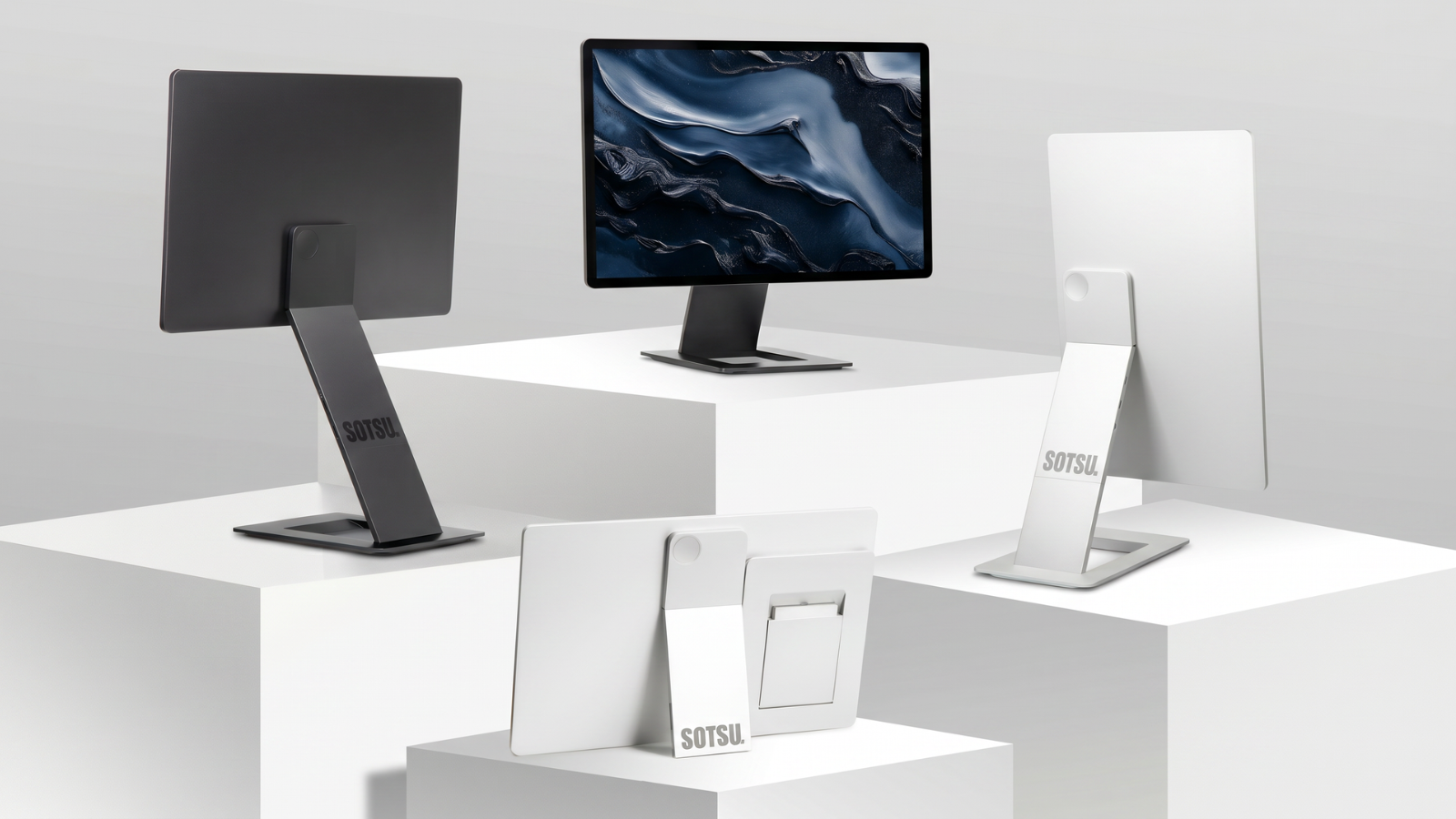
SOTSU offers two models, both plug-and-play over USB-C and both offering 65W passthrough:
- FlipAction Pro 16″ Gen 2: 16 inches, 2.5K, 120Hz. The smooth all-rounder for text, spreadsheets, code, and browser windows.
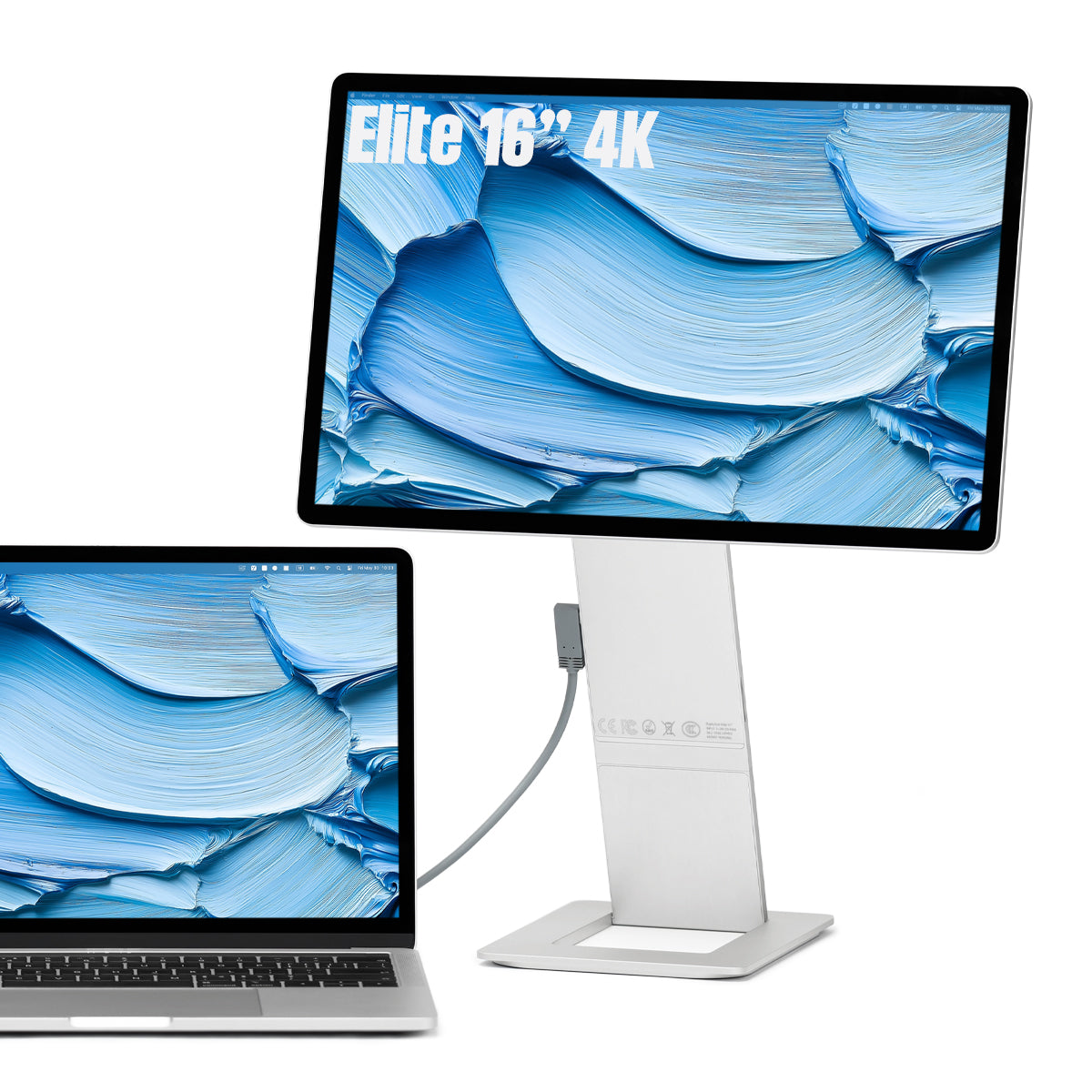
- FlipAction Elite 16″: 16 inches, 4K, 100% DCI-P3, 450 nits. For anyone who needs color and detail, even in bright light: photo, video, and design work.
Want to compare them side by side? Read SOTSU FlipAction Pro vs Elite: 4K or 120Hz?.
How to set up your mobile dual-screen
In practice, it comes down to three steps:
- Click the monitor magnetically onto the back of your laptop and flip it up above your screen.
- Connect a single USB-C cable between your laptop and the monitor; video and power run through it together.
- In your display settings, choose whether you want to extend the screen (dual-screen) or mirror it. On a MacBook, you'll find this under System Settings → Displays.
Need more power? Plug your charger into the passthrough port, and your laptop keeps charging while you work.
Conclusion
A second screen doesn't have to be tied to your desk. With a portable monitor that's plug-and-play over USB-C, and that charges your MacBook or laptop via passthrough, you can take your entire dual-screen setup with you wherever you go. If you also want that screen at eye level without a separate stand, the SOTSU FlipAction monitors are the most thoughtful choice: pick the Pro 16″ Gen 2 for smooth everyday work or the Elite 16″ for 4K color and detail.
Frequently asked questions
Can I use a second screen with my MacBook?
Yes. Modern MacBooks send video over USB-C with DisplayPort Alt Mode, so a single cable is enough for both video and power. You choose whether to extend or mirror your desktop under System Settings → Displays.
Do I need a power outlet on the go?
Not always. With USB-C passthrough, your laptop or a power bank can supply power to the monitor. If you plug your charger into the passthrough port, your laptop charges at the same time.
Which size is most convenient for on the go?
13 inches is the lightest and most compact; 16 inches gives you more screen real estate for a true dual-screen experience. Choose based on how often, and how far, you'll be carrying it.
What makes the SOTSU FlipAction different from a regular portable monitor?
It sits above your laptop instead of beside it: the screen clicks magnetically onto the back of your laptop display and rotates 180° to eye level, with no separate stand or extra desk space required.




Leave a comment
This site is protected by hCaptcha and the hCaptcha Privacy Policy and Terms of Service apply.