


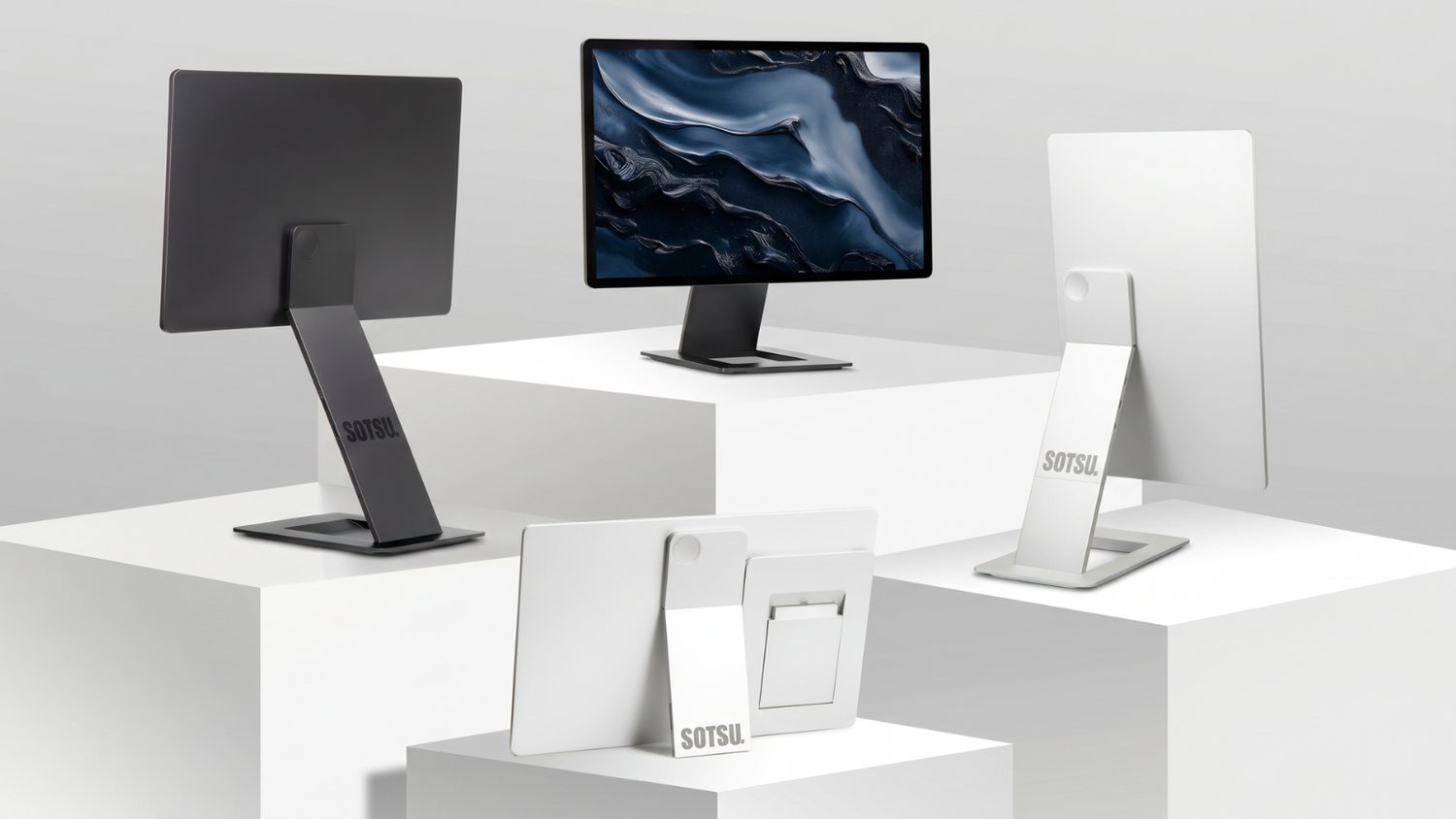
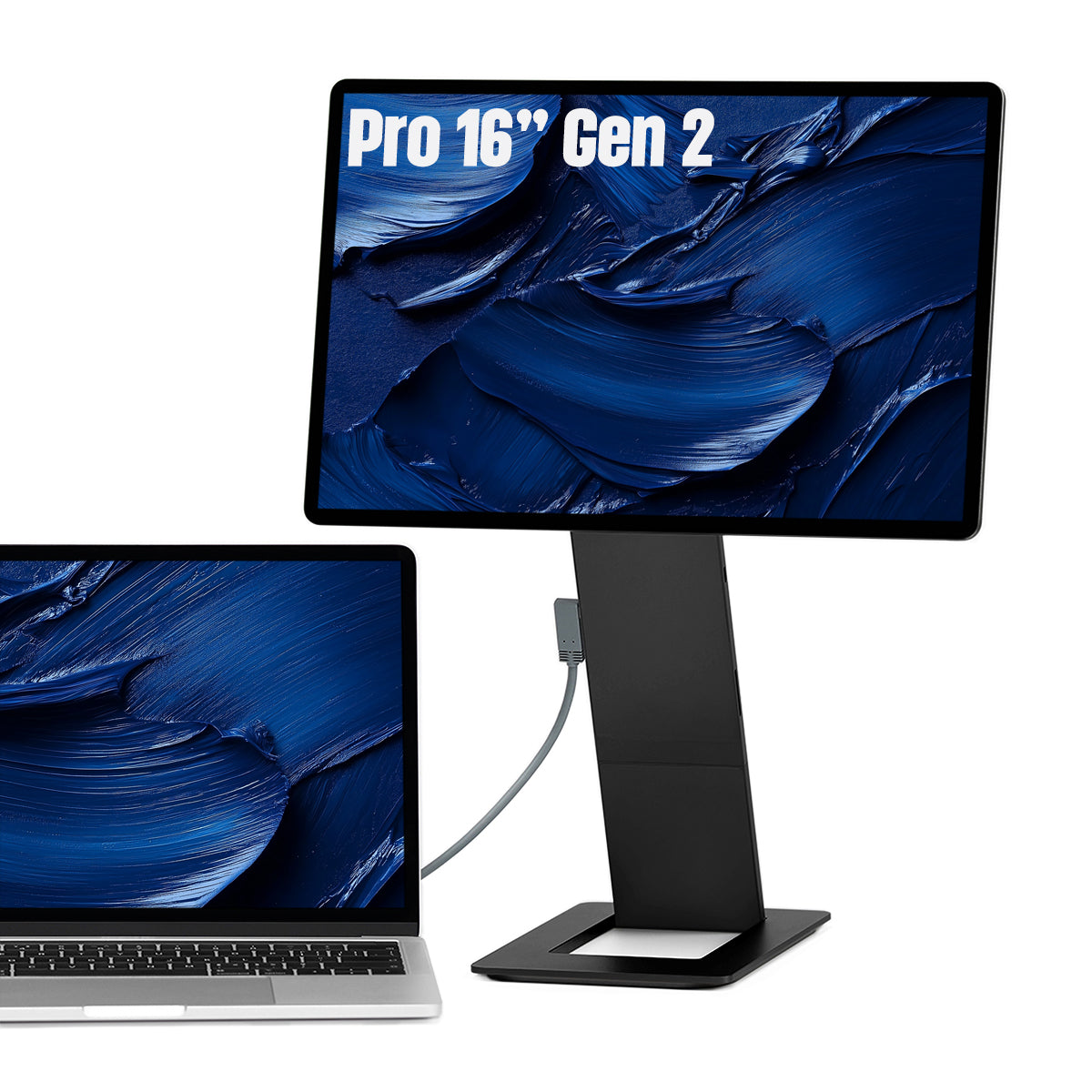
The promise of the SOTSU FlipAction is simple: add one USB-C cable and your laptop suddenly feels twice as big. No separate stand, no messing with drivers. The screen clips magnetically onto the back of your laptop, flips 180° upward, and lands at eye level within seconds. In this review, we look at how the FlipAction Pro 16″ Gen 2 (2.5K, 120Hz) and the FlipAction Elite 16″ (4K) perform in practice, and which model is right for you.
What is the SOTSU FlipAction?
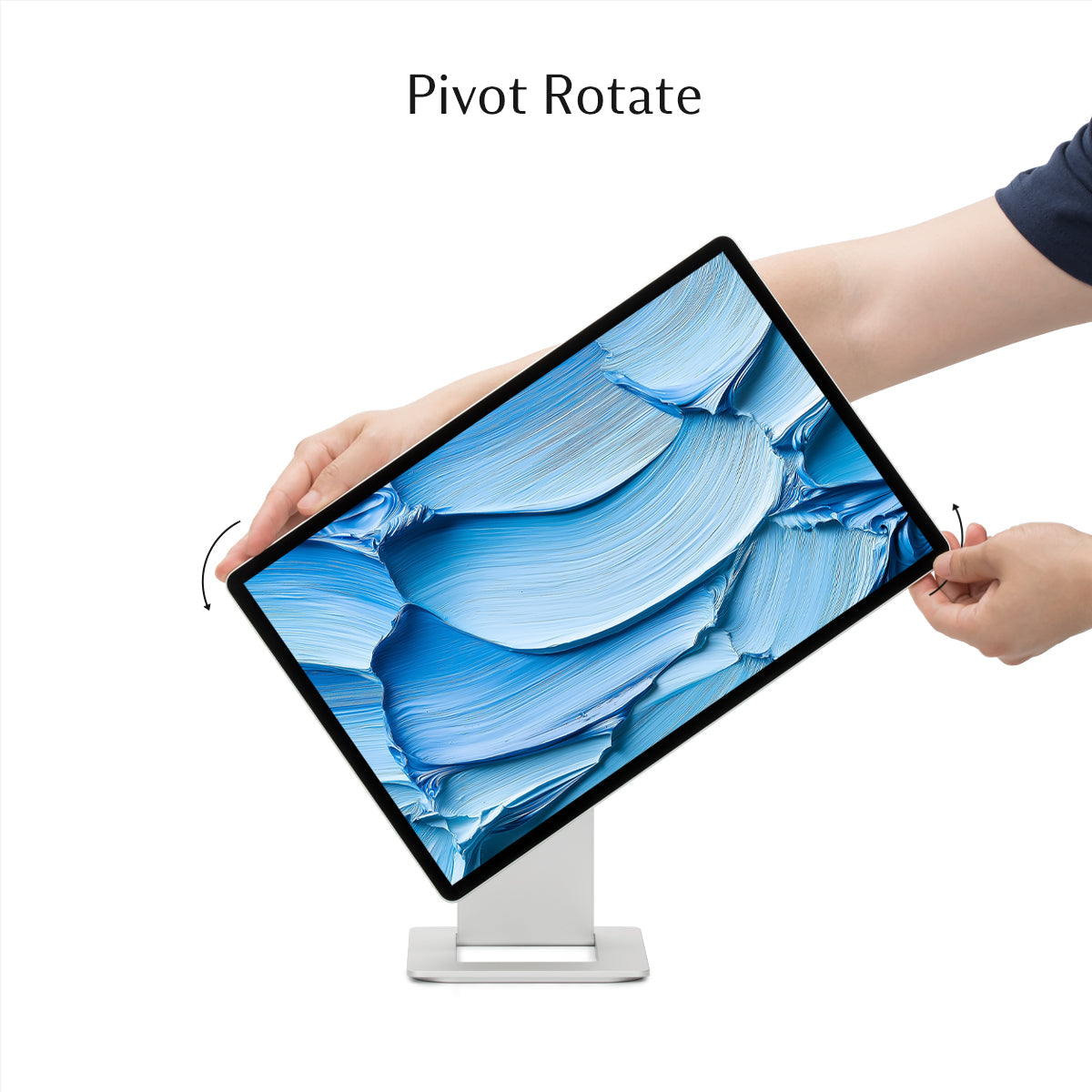
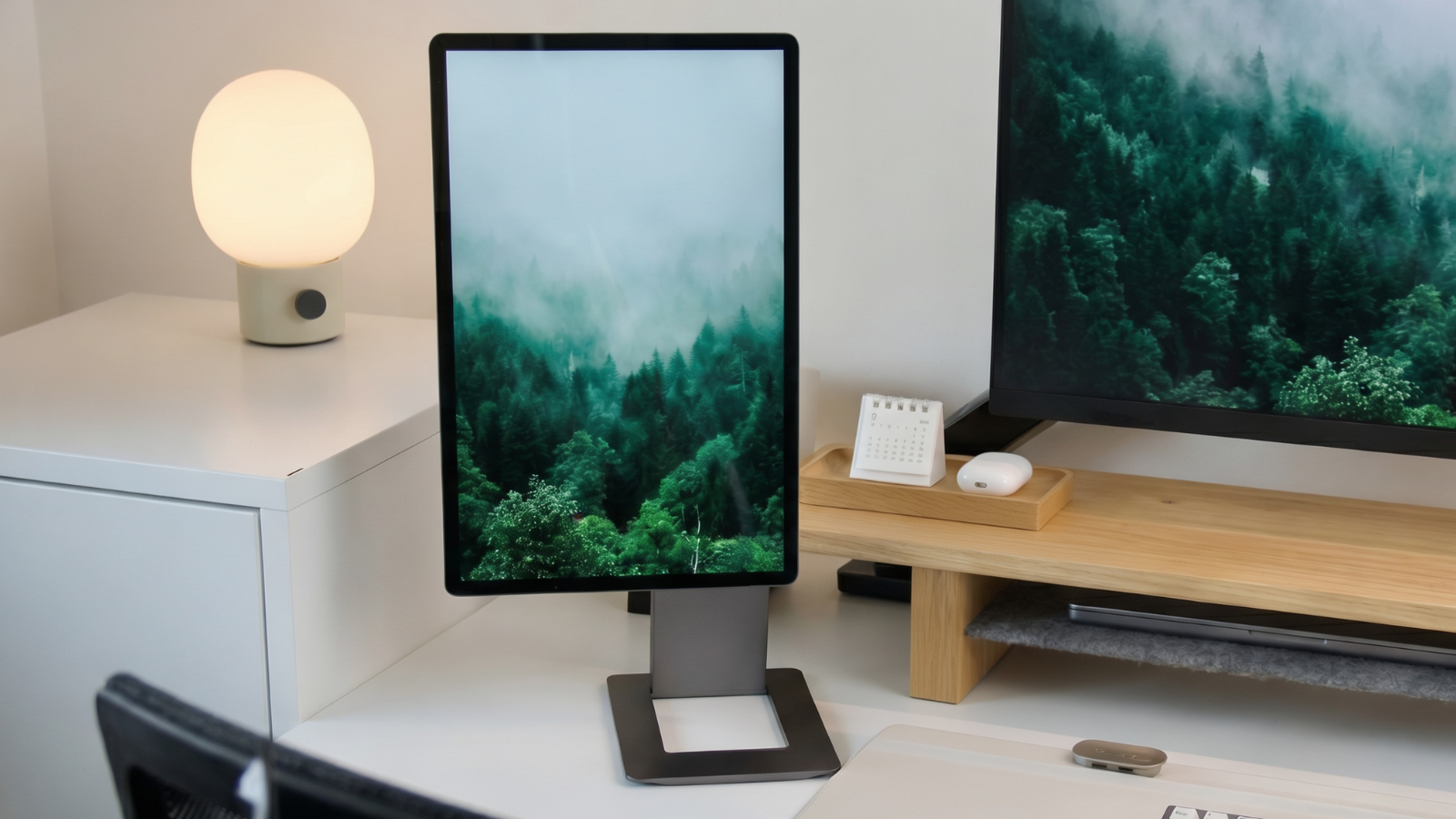
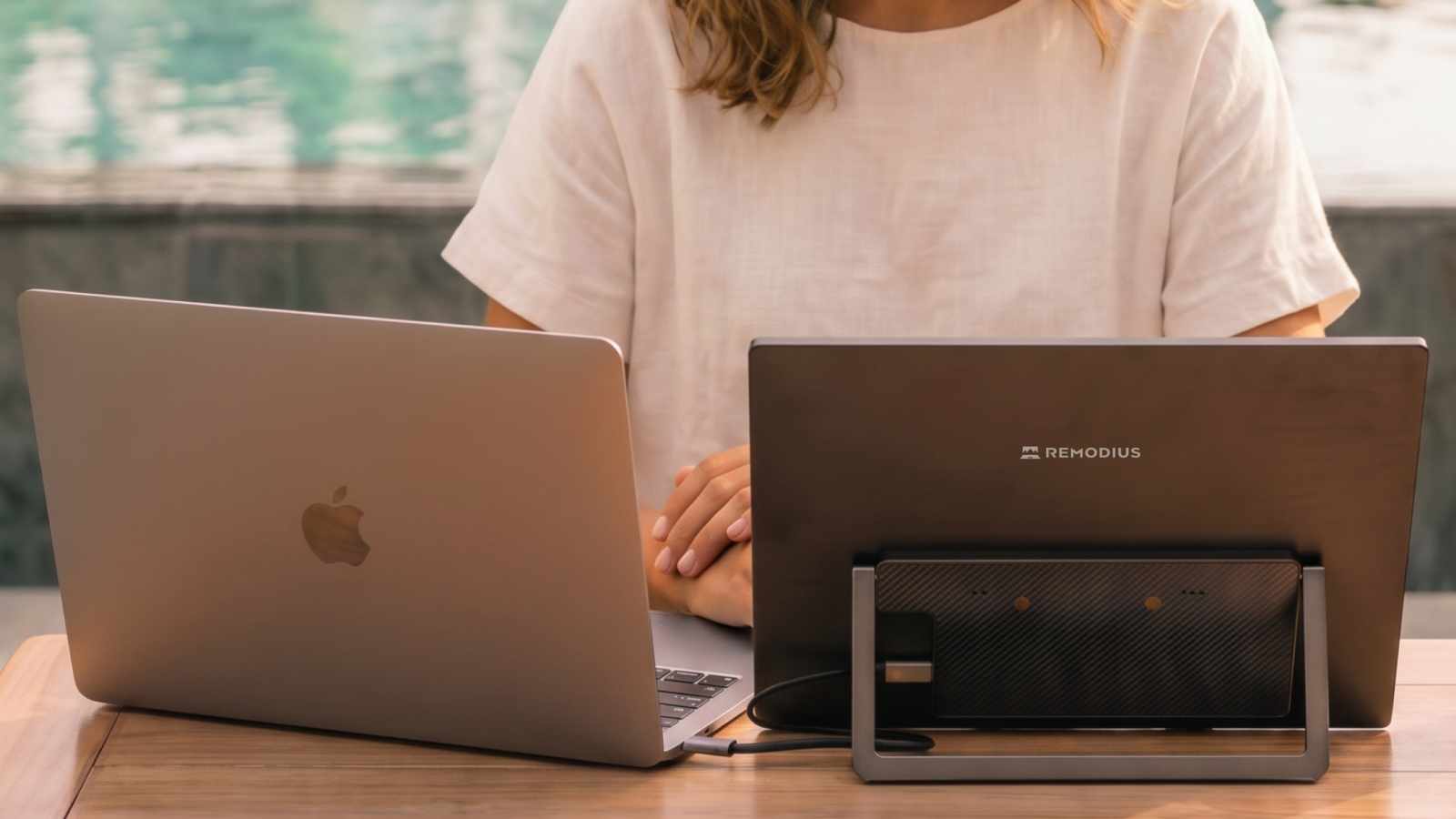
SOTSU builds premium portable monitors around a patent-pending FlipAction mechanism. While most portable monitors sit on the table beside your laptop, taking up extra width and requiring a separate stand, the FlipAction clips magnetically onto the back of your screen. You flip it out, rotate it 180°, and your second screen hovers above your laptop. That not only saves desk space, it also puts your display at a more comfortable, upright viewing height right away.
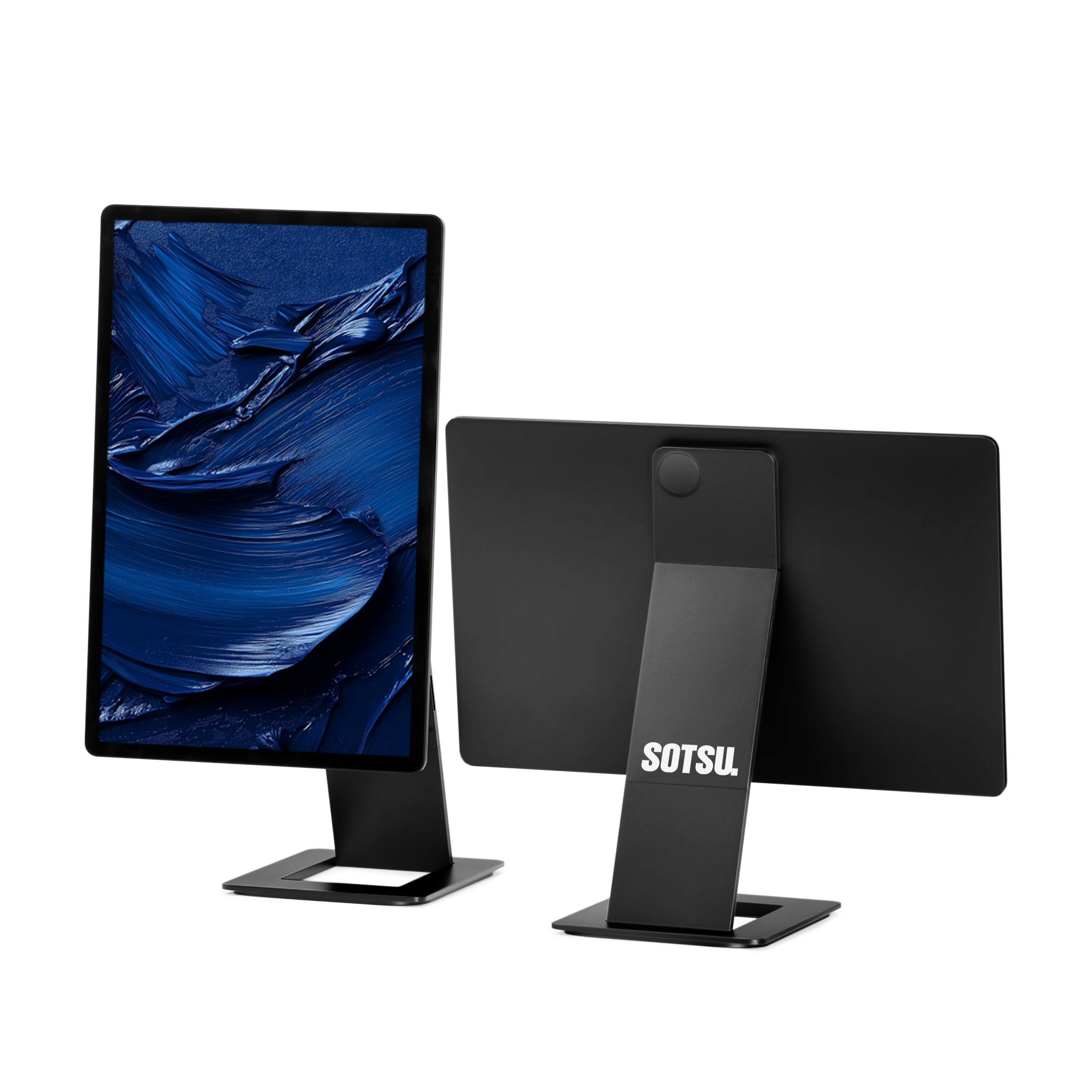
Both models share the same design: CNC-milled aluminum, an integrated stand, and plug-and-play connectivity over USB-C. The difference lies in the panel.
Design and Build Quality
Straight out of the box, the FlipAction feels like a premium device. The housing is milled from a single piece of aluminum, the edges are finished cleanly, and the whole unit is slim enough to slide into your laptop bag without a second thought. The magnetic mechanism holds firm: the screen doesn't wobble and stays at whatever angle you set it to. This is clearly built for daily travel, not for the occasional trip out of a drawer.
The Pro comes in Universe Black and Granite Grey, while the Elite comes in Silver and Space Black, colors that blend right in next to a MacBook or a modern Windows laptop.
In Use: Set Up in Seconds
The FlipAction leaves its strongest impression in everyday use. At a kitchen table, on the train, or at a flexible workspace, the routine is always the same: clip the monitor onto the back, flip it out, plug in one USB-C cable. Done. No settings to configure, no separate power adapter to hunt down. Within seconds you have a full dual-screen setup, with your second display sitting neatly at eye level instead of low beside your keyboard.
Want to know what to look for in a second screen before you buy? Check out our buying guide: how to choose a portable monitor.
Display Quality: Pro (2.5K & 120Hz) versus Elite (4K)
This is where the two models go their separate ways.
The FlipAction Pro 16″ Gen 2 features a 2.5K panel with a 120Hz refresh rate. You can feel the difference: scrolling through documents and web pages looks smooth, and even light gaming feels fluid. For most professionals who mainly move text, spreadsheets, code, and browser windows to their second screen, this is the most pleasant balance between sharpness and smoothness.
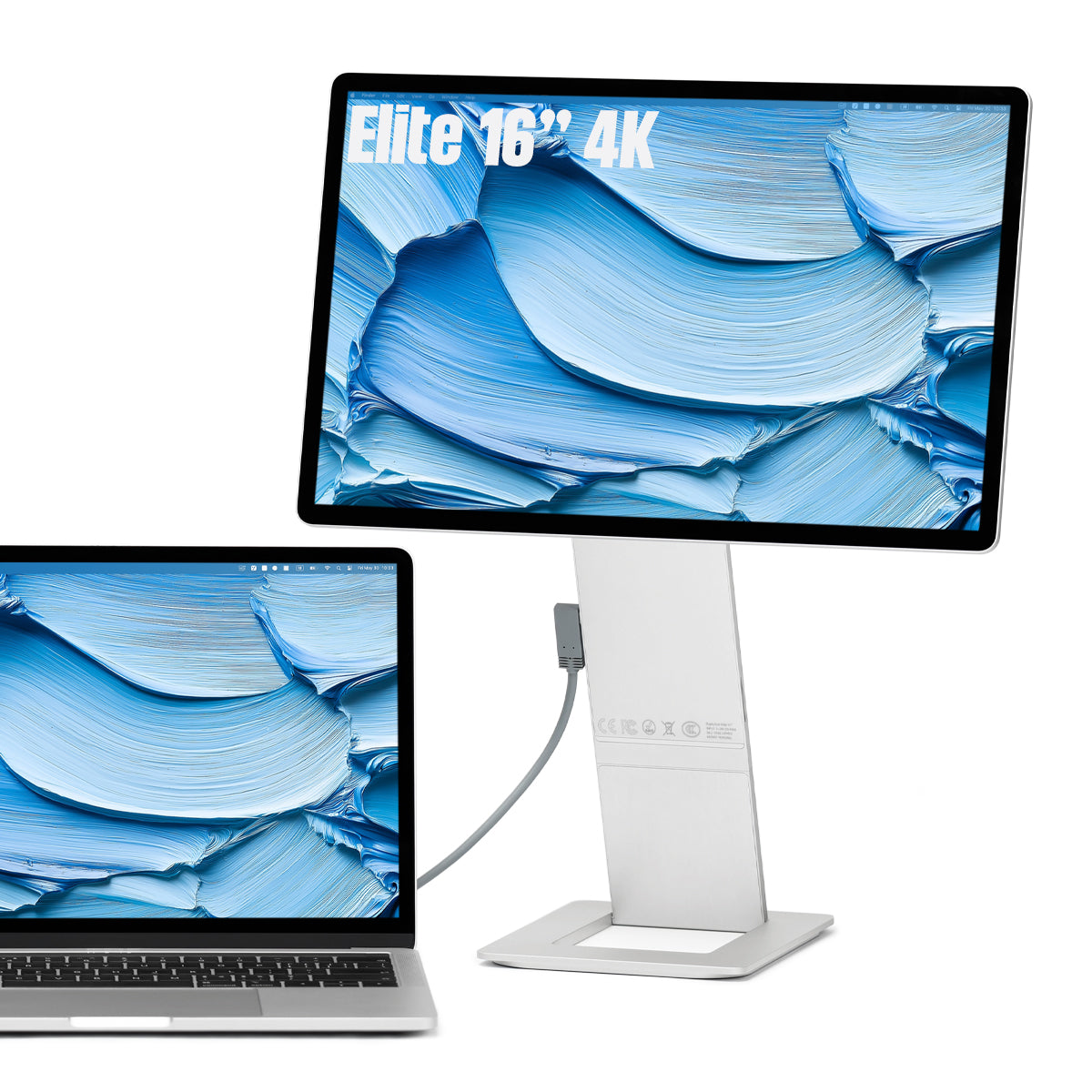
The FlipAction Elite 16″ goes for maximum detail: a 4K panel (3840×2400) with 100% DCI-P3, 450 nits of brightness, and an anti-glare coating. Colors come close to what you're used to from a MacBook display, and thanks to that brightness, the screen stays readable outdoors too. It also has an SD card slot built into the stand, a detail photographers and videographers appreciate on the go.
Can't decide between the two? We put them side by side in SOTSU FlipAction Pro vs Elite: 4K or 120Hz?.
Connectivity and Power
Both monitors work plug-and-play over USB-C with DisplayPort Alt Mode. A single cable carries both video and power, and thanks to 65W passthrough, you can charge your laptop through that same port while you work. On the road, that means one power adapter for your entire setup. For laptops without video output over USB-C, a standard connector is included as a backup. In practice, the FlipAction works effortlessly with MacBook, Windows laptops, and iPad.
Which Model Is Right for You?
The right choice depends on what you use your second screen for:
- Choose the Pro 16″ Gen 2 if you mainly work with text, spreadsheets, code, and browser windows, and value the smooth 120Hz refresh rate: the best all-rounder for life on the road.
- Choose the Elite 16″ if color and detail come first: photo editing, video editing, design, or anything where you want 4K and color accuracy, even in bright light.
Pros and Considerations
Strengths: the magnetic FlipAction mechanism that puts your screen at eye level, the premium aluminum build quality, plug-and-play connectivity via a single USB-C cable with 65W passthrough, and a choice between smooth 120Hz (Pro) or razor-sharp 4K (Elite).
Worth noting: these are premium screens at a premium price: you're paying for the build quality and the mechanism. If you only need a bit of extra workspace now and then, an entry-level model might serve you just as well; browse the wider range of portable monitors for that.
Conclusion
The SOTSU FlipAction solves the biggest annoyance of a portable monitor: no separate stand, no space needed beside your laptop, just a second screen that clips magnetically onto the back of your laptop and sits at eye level. The build quality rivals brands like Peak Design, and operation is so simple you'll genuinely bring it along every day. If you want smooth performance at a sharp price, the Pro 16″ Gen 2 is the obvious choice. If it's all about color and detail, go for the Elite 16″ 4K. Browse the full lineup in the SOTSU collection.
Frequently Asked Questions
Does the SOTSU FlipAction work with a MacBook?
Yes. The monitor works plug-and-play over USB-C with DisplayPort Alt Mode, which is supported on modern MacBooks. One cable is all you need for video and power.
What's the difference between the Pro and the Elite?
The Pro 16″ Gen 2 has a 2.5K panel with 120Hz for smooth performance; the Elite 16″ has a 4K panel with 100% DCI-P3 and 450 nits for maximum color and detail.
Do I need a wall outlet?
Not necessarily. Through USB-C passthrough (65W), your laptop or a power bank supplies power, while the monitor is powered over that same cable.
Can I position the screen above my laptop?
Yes, that's exactly the core idea behind FlipAction. The screen clips onto the back of your laptop and rotates 180° upward, so it sits at eye level instead of low beside your keyboard.




Leave a comment
This site is protected by hCaptcha and the hCaptcha Privacy Policy and Terms of Service apply.